
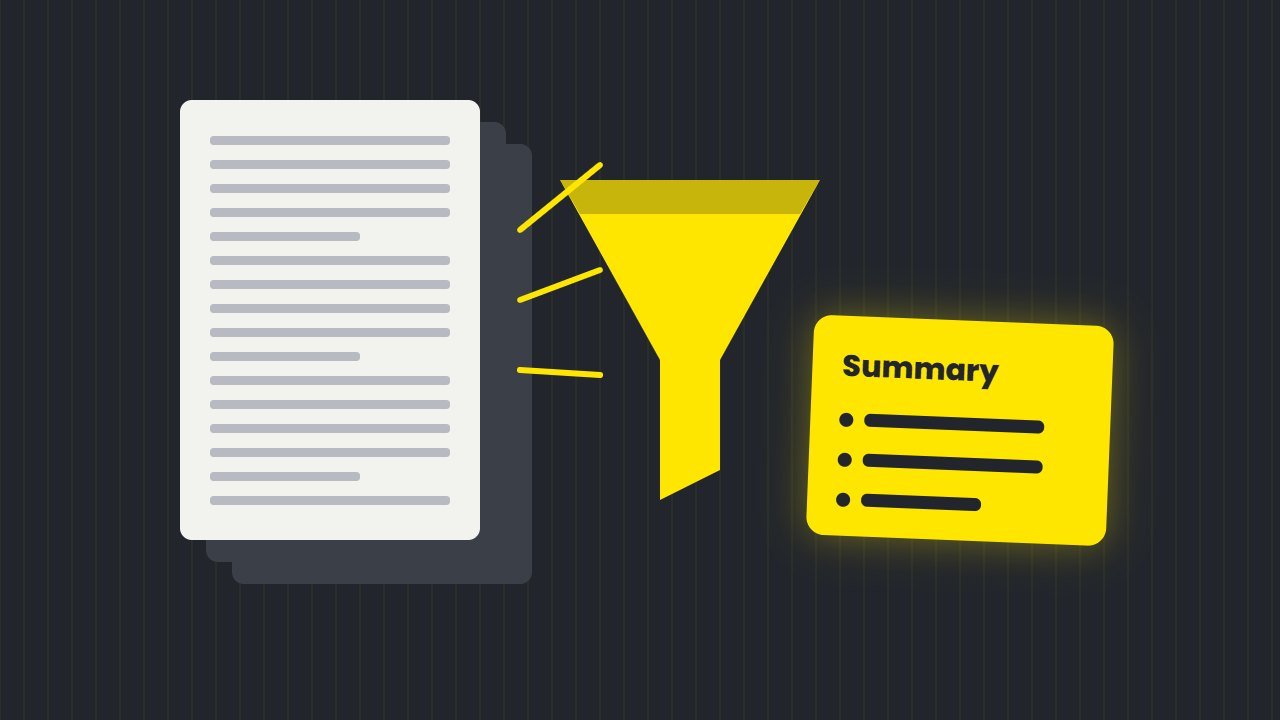
An AI summarizer can save hours every week. For example, paste a long article, upload a 40 page PDF or share a YouTube link, and you get the key points in seconds. As a result, it is one of the most useful AI tools for students, office workers and anyone who reads a lot.
However, not every summarizer suits every job. In this guide, we compare the best free AI summarizer tools for text, PDFs, videos and meetings as of October 2026, explain their limits, and show how to avoid the mistakes AI summaries still make.
What an AI summarizer does
An AI summarizer reads long content and writes a shorter version that keeps the main ideas. Most tools offer two styles:
- Short paragraph. In short, a quick overview you can read in a minute.
- Key points. Alternatively, a bullet list of facts, decisions or steps.
Better tools also let you ask follow up questions, such as “What did the report say about costs?” In this way, a summary turns into a conversation with the document.
Best AI summarizer tools compared
| Tool | Best for | Free limits |
|---|---|---|
| ChatGPT | Files and quick text | 3 file uploads a day on the free plan |
| Gemini | YouTube videos and Google apps | Free with a Google account |
| Claude | Long PDFs and reports | Free plan with usage limits |
| Gemini Notebook | Many sources at once | 100 notebooks, 50 sources each |
| QuillBot | Short text summaries | 600 words per summary |
| Copilot in Edge | Web pages in your browser | Needs a Microsoft account |
ChatGPT
To begin with, ChatGPT summarizes pasted text and uploaded files. According to OpenAI’s file uploads FAQ, free users can upload three files a day. In practice, it works well for reports, emails and articles. Also, ask for a format, such as “five bullet points and one sentence on next steps”, to get sharper results.
Gemini
Gemini can summarize YouTube videos, which makes it great for lectures and tutorials. Simply paste the video link and ask for the key points. As Google’s help page notes, you need to be signed in with Keep Activity turned on, and the feature does not work in Live chats.
Claude
By contrast, Claude handles long documents carefully. According to Anthropic’s help center, you can upload files up to 500MB, with up to 20 files per chat, and PDFs under 100 pages get full visual analysis, so charts and tables count too. As a result, it suits research papers, contracts and annual reports.
Gemini Notebook
Gemini Notebook, which Google renamed from NotebookLM on 16 July 2026, summarizes many sources together. For instance, you can add PDFs, websites, videos and notes, then ask questions across all of them. The free plan allows 100 notebooks with 50 sources each, according to Google’s help page. Our guide on how to use NotebookLM walks through it step by step.
QuillBot
QuillBot’s summarizer is simple and fast. Paste text, choose a paragraph or bullet points, and adjust the length. The free version allows 600 words per summary with no daily cap on the number of summaries. Therefore, it is handy for articles and essays.
Copilot in Edge
Finally, Microsoft Edge has Copilot built into the sidebar. From there, it can summarize the web page, PDF or video you are viewing. However, you need to sign in with a personal Microsoft account.
Which AI summarizer should you use?
- Long PDFs and reports: Claude.
- YouTube videos and lectures: Gemini.
- Many sources for one project: Gemini Notebook.
- Quick articles: QuillBot or Copilot in Edge.
- Files and everyday tasks: ChatGPT.
- Meetings: a dedicated tool from our AI note taker guide.
Where an AI summarizer goes wrong
AI summaries are helpful, but they can still miss or change meaning. For example, a well known case came from Apple. In early 2025, Apple paused AI notification summaries for news and entertainment apps after the BBC complained about a false summary of one of its headlines, as TechCrunch reported. When the feature returned, Apple added a warning that summaries may change the meaning of headlines, as AppleInsider reported.
In short, the lesson is simple. For instance, summaries can drop key details, mix up numbers or state a guess as a fact. Therefore, treat them as a starting point, not the final word.
Free: AI Tools Cheat Sheet 2026
24 free tools sorted by task, a simple prompt formula and 10 prompts you can copy. We send the PDF straight to your inbox.
Sent! Check your inbox
We emailed the AI Tools Cheat Sheet to you. Not there in 2 minutes? Look in Spam or Promotions.
Tips for accurate results from an AI summarizer
- Ask for quotes. First, request short quotes or page numbers for key claims so you can check them.
- Set the purpose. “Summarize for a manager deciding on budget” gives a more useful result.
- Check numbers. Then, compare any figures with the original.
- Split very long files. Instead, summarize chapter by chapter, then combine.
- Ask what is missing. A follow up such as “What important points did you leave out?” often helps.
For better instructions, see our guide to AI prompts. If you write emails from summaries, our AI email writer guide can help you draft the reply.
Is it fine to use an AI summarizer for study?
Yes, as long as you use it as a study aid. For example, summaries help you preview a chapter, review before an exam or check your understanding. However, do not hand in AI summaries as your own work, and read the full source for anything you will be tested on. Our guide to free AI tools for students explains how to use AI without cheating.
Frequently asked questions
What is the best free AI summarizer?
Overall, it depends on the job. Claude is strong for long PDFs, Gemini for YouTube videos, Gemini Notebook for many sources and QuillBot for short text.
Can AI summarize a YouTube video?
Yes. Gemini can summarize YouTube videos from a link when you are signed in with Keep Activity turned on.
Are AI summaries accurate?
In general, they are helpful but not always accurate. So, check numbers, names and key claims against the original.
Is QuillBot’s summarizer free?
Yes. The free version summarizes up to 600 words at a time, with no limit on the number of summaries.