
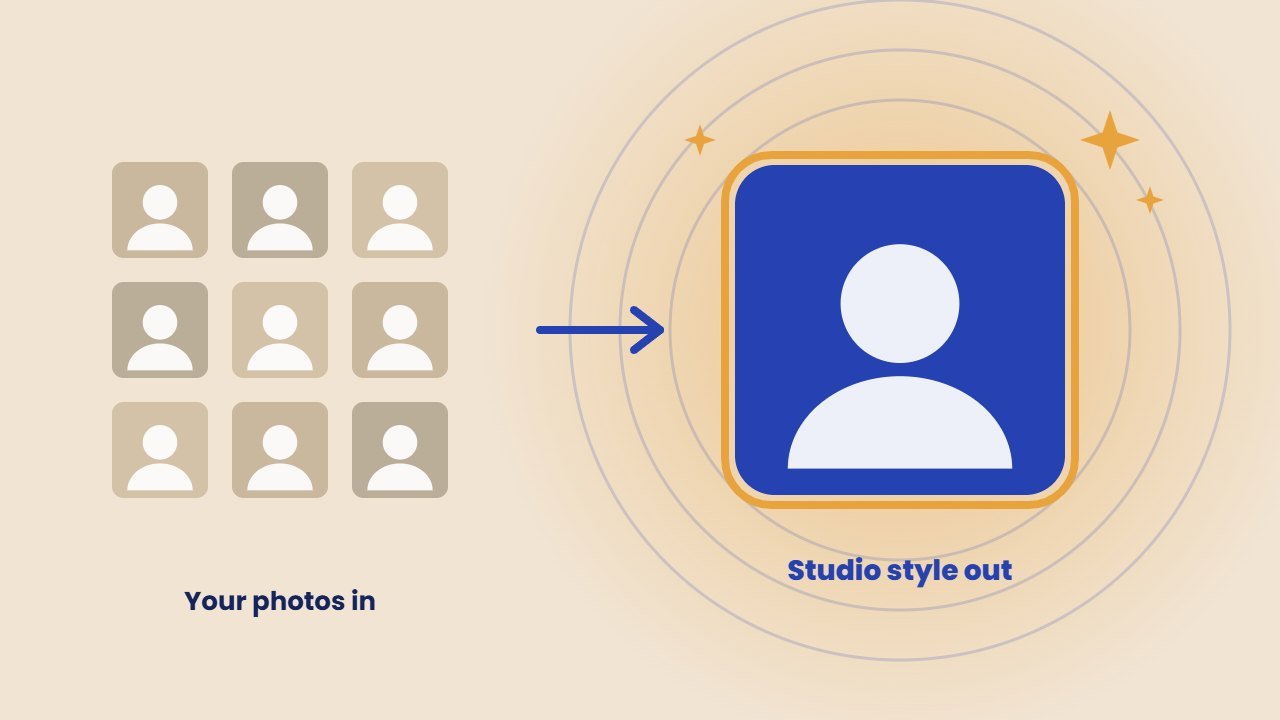
An AI headshot generator can turn a handful of selfies into polished, studio style portraits in under an hour. For job seekers, freelancers and small teams, that is a cheap alternative to booking a photographer. However, you are handing over photos of your face, so price is not the only thing to compare.
In this guide, we compare the most popular AI headshot generator tools as of October 2026, what they cost, how they treat your photos, and how to use AI headshots honestly on LinkedIn.
How an AI headshot generator works
In general, most tools follow the same steps. You upload several photos of yourself. The service trains a small AI model on your face, then generates dozens of portraits with different outfits, backgrounds and lighting. Finally, you pick your favourites and download them.
In contrast, some quick tools work from a single selfie and return results in seconds. Meanwhile, paid packs usually ask for more photos and take longer, but the results look more like you.
Best AI headshot generator tools compared
| Tool | Price | Headshots | Photos to upload | Turnaround |
|---|---|---|---|---|
| HeadshotPro | From $29 | 30 to 70 | A few selfies | 15 minutes to 2 hours, by pack |
| Aragon AI | From $35 (sale) | 40 to 100 | Several photos | 15 to 45 minutes, by pack |
| BetterPic | From $35 | 20 to 120 | 8 to 12 | 1 to 2 hours |
| Canva | 2 free credits | A few | 1 | Seconds |
| Fotor | Varies | A few | 1 | Seconds |
Prices come from each company’s official pricing page and may include temporary discounts.
HeadshotPro
HeadshotPro offers three packs: Basic at $29 for 30 headshots, Professional at $39 for 50, and Executive at $59 for 70. In addition, faster turnaround comes with the bigger packs. Its pricing page says the company deletes input photos 30 days after generation and never uses them to train AI models. It also offers a guarantee, with free redos on the bigger packs.
Aragon AI
Aragon AI packs currently run from $35 for 40 headshots to $75 for 100, which are limited time sale prices, with faster delivery on higher tiers. According to its privacy policy, the company deletes face data within 30 days of a trigger event, such as one year after collection, though active subscribers are an exception. Its AI providers may not use the data to train general models. Refunds apply if you have not downloaded the photos.
BetterPic
BetterPic starts at $35 and offers packs of 20, 60 or 120 4K headshots in one to two hours. You upload 8 to 12 photos. Uploads train only your own model, and you can ask the company to delete them. Note that its seven day refund applies only if training has not started.
Canva
Canva’s headshot app needs just one clear photo and gives two free credits, with a 24 hour wait before more free uses. As a result, it is a quick way to test the idea before paying for a full pack.
Fotor
Fotor’s headshot tool also works from one selfie and returns results in seconds. Fotor says it automatically wipes uploads within 24 hours.
How to get better AI headshots
- Use varied, recent photos. For example, different angles, outfits and backgrounds help the AI learn your face.
- Choose good light. For instance, face a window in daylight and avoid harsh shadows.
- Skip filters and sunglasses. After all, the AI needs to see your real features.
- Keep it to yourself. In other words, do not include other people in the frame.
- Pick results that look like you. Above all, avoid shots that change your face shape, skin or age.
Privacy: read this before you upload
After all, your face is personal data. Before you choose an AI headshot generator, check three things in its policy:
- Deletion. How long does the company keep your photos? Look for a clear window, such as 30 days.
- Training. Does the company use your photos to train its general models? The best services say no.
- Deletion requests. Can you ask for your data to be removed?
Also, only upload photos of yourself. Creating headshots of someone else without their consent is unfair and may break the tool’s terms. For more on keeping your data out of AI training, see our guide to AI training opt out.
Free: AI Tools Cheat Sheet 2026
24 free tools sorted by task, a simple prompt formula and 10 prompts you can copy. We send the PDF straight to your inbox.
Sent! Check your inbox
We emailed the AI Tools Cheat Sheet to you. Not there in 2 minutes? Look in Spam or Promotions.
Can you use AI headshots on LinkedIn?
LinkedIn asks members to use their true identity and does not allow fake profiles, as it explained when it updated its community policies. Since 2022, LinkedIn has also used a deep learning model that checks profile photo uploads for AI generated faces, as it explained on its official blog, because fake accounts often use them.
In practice, an AI headshot made from your own photos that looks like you is a common choice. However, a generated face that is not really you is not acceptable. Therefore, choose results that a recruiter would recognise when they meet you on a video call. If you are unsure, check LinkedIn’s help center for the latest profile photo rules.
AI headshot or real photographer?
An AI headshot generator wins on price and speed. On the other hand, a photographer wins on accuracy, true lighting and a natural expression. So, for a job search or a team page on a tight budget, AI is a smart option. For a book cover, press kit or senior leadership page, a real photographer is still worth it.
If you also need graphics for your brand, our guide to the AI logo generator tools covers that side. To touch up an existing portrait instead, see our AI photo editor comparison.
Frequently asked questions
What is the best AI headshot generator?
HeadshotPro, Aragon AI and BetterPic are strong paid options with clear privacy terms. Canva and Fotor are quick ways to try AI headshots from one selfie.
How much does an AI headshot cost?
Paid packs start at about $29 to $35 for 20 to 40 headshots. Canva offers two free credits to try it.
Are AI headshots allowed on LinkedIn?
LinkedIn requires members to use their true identity and does not allow fake profiles. An AI headshot made from your own photos that still looks like you is the safe approach.
Are my photos used to train AI?
Overall, it depends on the service. HeadshotPro says it never uses photos to train AI models, and Aragon says its providers cannot train general models on them. Always check the privacy policy before uploading.