
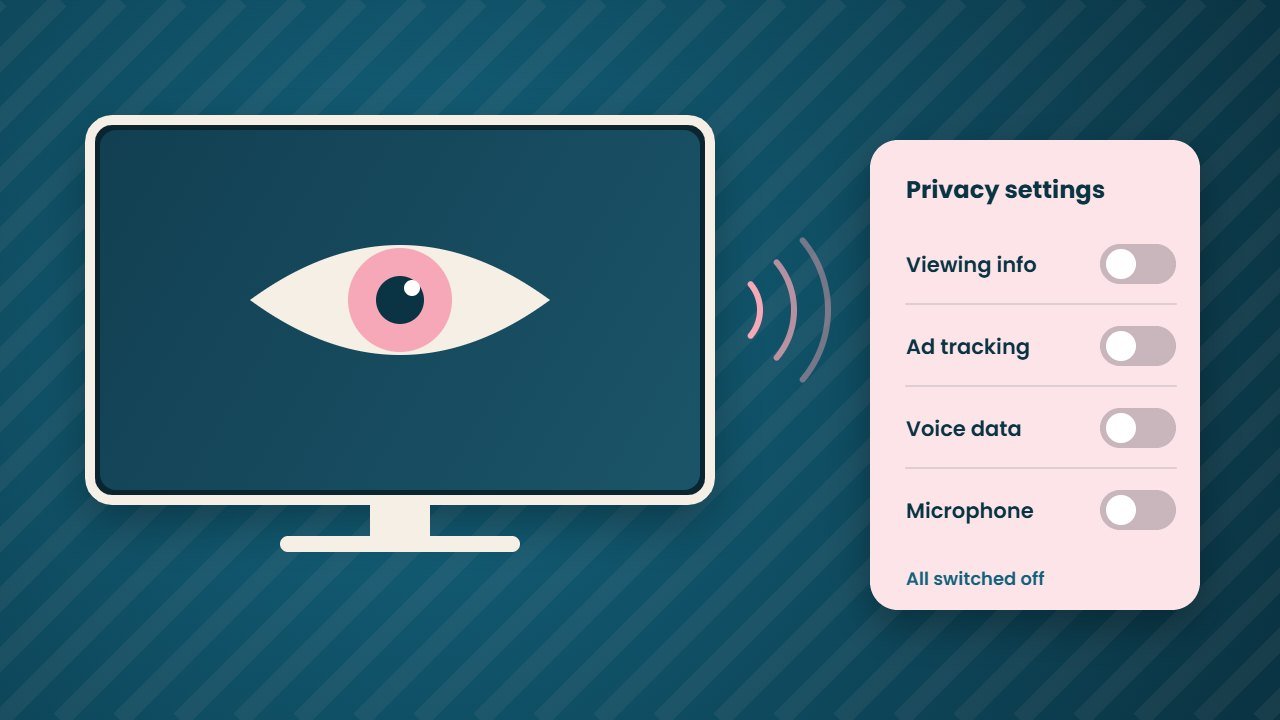
Samsung TV privacy is trending after a security researcher shared what they say they found inside their own television. The researcher, who posts as log4j on X, claims their 2025 Samsung TV collects viewing data, audio events and screen data to target ads. However, these claims have not been confirmed by anyone else yet. Still, they are a good reason to check your TV settings tonight.
In this guide, we explain what the researcher says, what is proven and what is not, and the exact settings that turn off tracking on Samsung TVs. We also cover the same settings on LG, Roku and other brands.
What the researcher says about Samsung TV privacy
On 21 October 2026, log4j posted that they had gained full access to the Tizen software on their 2025 Samsung TV. Over the next few days, they shared more claims. As Cybernews and other outlets reported, these include:
- Telemetry that counts sound events such as a dog barking or a baby crying
- Automatic content recognition, known as ACR, which identifies what is on screen
- An on device AI model that tracks activity inside apps, including skipped ads
- An advertising ID that links the TV with other devices
- A TV without a microphone looking for one on a connected soundbar or speaker
The researcher also says OpenAI banned their account for cyber abuse after they used OpenAI tools for the analysis. OpenAI has not commented. A full write up is promised but has not been published yet.
What is proven and what is not
First, it is important to keep the facts straight. None of these claims has been checked by an independent security firm so far. One engineer tested a rooted TV and saw its microphone open for about five seconds, but they called the test inconclusive because the TV had been changed.
There is also an innocent explanation for some findings. Samsung openly offers pet care features through SmartThings that use the TV microphone to detect barking, and it says Pet Care works only when the TV is off. So a barking counter does not prove secret recording.
On the other hand, the general picture fits what we already know. After all, smart TVs from many brands use ACR to learn what you watch, and that data helps sell ads. Samsung has not responded to these specific claims as of 26 October. In February 2026, during the Texas case below, it said “Samsung TVs do not spy on consumers.”
The Texas case that set the scene
This story lands after a real legal fight. In December 2025, the Texas Attorney General sued Samsung, LG, Sony, Hisense and TCL over ACR data. In late February 2026, Samsung agreed to stop collecting ACR data from Texans without clear consent and to show plain consent screens, according to the Texas Attorney General. LG settled on similar terms in May 2026. The other three cases are still going.
Samsung TV privacy settings: how to turn off tracking
Menu names vary by model, year and region, and Samsung’s own help page says settings differ by country. The paths below follow Samsung and Consumer Reports, which covers recent models.
Step 1: Turn off viewing data and ad tracking
- Press Home on your remote and open Settings.
- Go to All Settings, then General and Privacy, then Terms and Privacy. On some models, press Home, open the menu on the left and choose Privacy Choices.
- Turn off Viewing Information Services. This is the main ACR setting.
- Turn off Interest Based Advertisement.
- Turn off Voice Recognition Services if you do not use voice control.
On older TVs, the menu may say Terms and Policies, and the ACR option may appear as SyncPlus and Marketing.
Step 2: Reset your advertising ID
In the same Terms and Privacy menu, choose Reset PSID. Samsung’s developer guide confirms this resets the TV’s advertising ID, so old ad profiles no longer link to your set.
Step 3: Limit Bixby and the microphone
- Open Settings, then All Settings, then Advanced Features, then Voice, then Bixby Settings, then Privacy.
- Turn off Allow Audio Recording Review and Allow voiceprint review.
- Check the underside of your TV. Many Samsung models have a physical microphone switch. Turning it off is the simplest fix.
Step 4: Check new AI features
In addition, newer sets include Vision AI Companion. Hold the Home button for two seconds, open its settings, go to Terms and Conditions and choose Disagree if you do not want it.
Free: AI Tools Cheat Sheet 2026
24 free tools sorted by task, a simple prompt formula and 10 prompts you can copy. We send the PDF straight to your inbox.
Sent! Check your inbox
We emailed the AI Tools Cheat Sheet to you. Not there in 2 minutes? Look in Spam or Promotions.
Privacy settings on other smart TVs
Of course, Samsung is not the only brand that tracks viewing. In fact, Consumer Reports lists similar switches on most TVs:
| Brand | Where to look | Setting to turn off |
|---|---|---|
| LG webOS | Settings, Support, Privacy and Terms, User Agreements | Viewing Information, Voice Information, Interest Based Cross Device Advertising |
| Roku TV | Settings, Privacy, Smart TV Experience (and Privacy, Advertising) | Use Info from TV Inputs, Personalize ads |
| Vizio | Admin and Privacy | Viewing Data |
| Sony | Settings, All Settings, Privacy (older sets: System Preferences) | Samba Interactive TV |
| Fire TV | Preferences, Privacy Settings | Interest Based Ads |
If you want a box with fewer ads, our guide to the new Apple TV 4K covers its features and price.
Simple habits for better Samsung TV privacy
Beyond the menus, a few habits help. For example, do not sign in to apps you never use, and skip the TV’s own browser. You can also connect a streaming stick and keep the TV itself offline, so it acts like a plain screen. In addition, review the privacy menu after every big software update, because updates sometimes reset choices.
In practice, turning off ACR does not break normal viewing, and it is the biggest single step for Samsung TV privacy. Apps, streaming and casting keep working. You simply see fewer targeted ads and share less data.
What happens next
The researcher says about 44 detailed write ups are coming. If they arrive, other experts can test the claims on stock TVs. We will update this article when that happens or when Samsung responds. Meanwhile, the safest move for your Samsung TV privacy is to switch off the settings above. For more on how AI features gather personal data, read our guide to Windows Recall, which raised similar questions on PCs.
Frequently asked questions
Is my Samsung TV listening to me?
There is no confirmed proof that Samsung TVs record conversations. A researcher claims the TV counts sound events, but independent testing has not confirmed it. Turning off voice services and the TV’s microphone switch greatly reduces the risk. Also check the microphone settings on any connected soundbar or speaker.
What is ACR on a Samsung TV?
ACR stands for automatic content recognition. It identifies what is on your screen so the TV maker can measure viewing and target ads. On Samsung TVs, the setting is called Viewing Information Services.
Will turning off Viewing Information Services break my TV?
No. Your apps, inputs and streaming keep working. You may see fewer personalised suggestions and ads.
Has Samsung responded to the claims?
As of 26 October 2026, Samsung has not commented on these specific claims.