
Every new laptop now lists an NPU next to the CPU and GPU, with numbers like 40, 50 or 80 TOPS. So, in the NPU vs GPU question, what does that chip actually do, and is it better than a graphics card for AI?
This guide explains NPU vs GPU in plain words. You will learn what each chip is good at, what TOPS really means, and which one matters for the way you plan to use AI.
What Is an NPU?
An NPU, or neural processing unit, is a small processor built for one job: running AI models. It sits inside the main chip of your laptop, next to the CPU and the built in graphics.
AI models do the same kind of math millions of times over. An NPU is wired to do exactly that math, and nothing else. As a result, it can run AI tasks while using very little power. That is why your laptop can blur your background on a video call for hours without the fan spinning up or the battery draining fast.
In fact, phones have had NPUs for years. Apple calls its version the Neural Engine, and Qualcomm calls it the Hexagon NPU. Laptops caught up in 2024, when Microsoft set a 40 TOPS NPU as the bar for its Copilot+ PC features.
What Is a GPU?
A GPU, or graphics processing unit, was built to draw images for games and video. To do that, it runs thousands of small calculations at the same time. Because of this, it can crunch huge amounts of data quickly. As it turns out, that same strength makes it very good at AI.
In fact, almost every large AI model was trained on GPUs, and the GPU usually does the heavy lifting when people run AI at home. A laptop can have a GPU built into the main chip, a separate graphics card from Nvidia or AMD, or both.
NPU vs GPU: The Key Differences
To start, here is the short version of NPU vs GPU for a laptop buyer:
| NPU | GPU | |
|---|---|---|
| Main job | Small AI tasks that run all the time | Graphics, gaming and heavy AI |
| Power use | A few watts | Tens to over 150 watts on gaming laptops |
| Speed on big AI jobs | Limited | Very high |
| Best for | Video call effects, live captions, Windows AI features | Local chatbots, image generation, AI training |
| Battery impact | Very low | High under load |
| App support | Growing, mostly built in features | Very wide, especially with Nvidia CUDA |
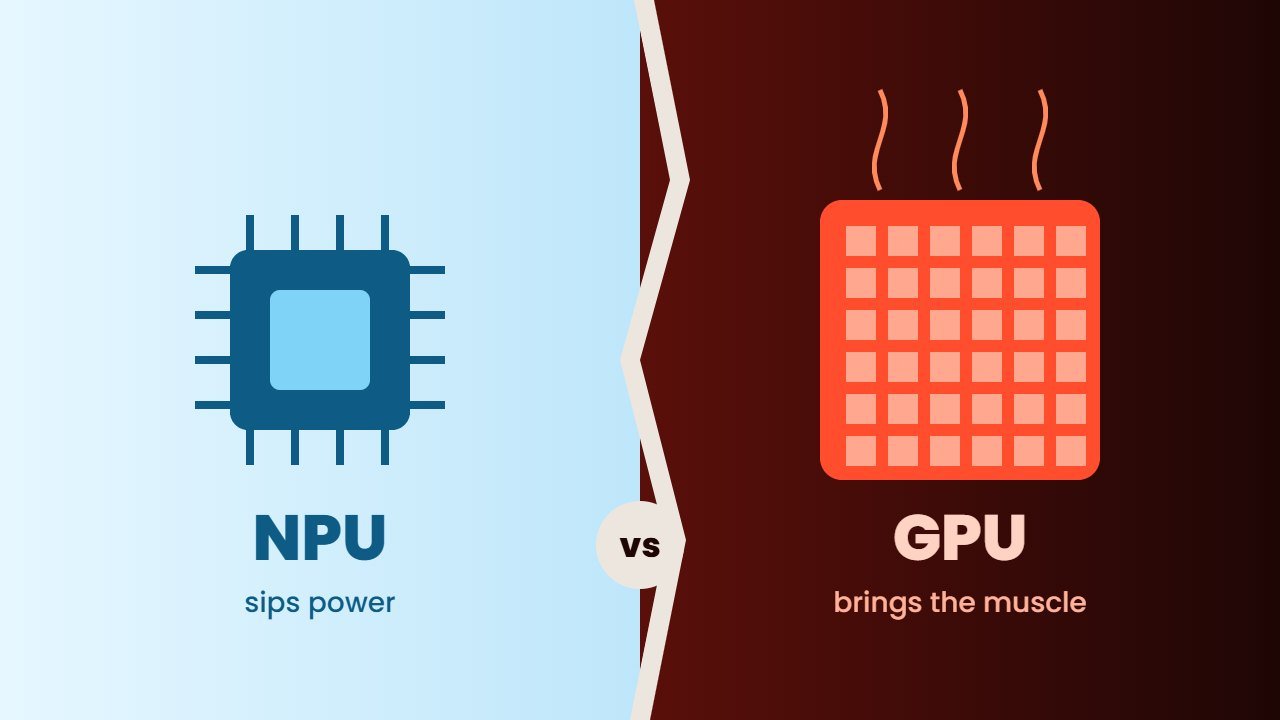
In simple terms, the NPU is the efficient helper and the GPU is the powerful worker. However, one is not a replacement for the other.
What Does TOPS Mean?
TOPS stands for trillions of operations per second. In other words, it is a rough measure of how much AI math a chip can do. Here are some real figures from the chip makers:
| Chip | AI number |
|---|---|
| Qualcomm Snapdragon X2 Elite NPU | 80 TOPS |
| AMD Ryzen AI 400 series NPU | Up to 60 TOPS |
| Intel Core Ultra Series 3 NPU | Up to 50 TOPS |
| Copilot+ PC minimum | 40 TOPS |
| Nvidia GeForce RTX 5090 Laptop GPU | 1,824 AI TOPS |
At first glance, the GPU looks more than 20 times faster. However, these numbers are not a fair match. Nvidia measures its AI TOPS at a lower number format than NPU makers usually do. In addition, the GPU needs far more power to reach its number.
Also, watch out for “platform TOPS” in adverts. Some brands add the NPU, the built in graphics and the graphics card together into one big number. For Windows AI features, only the NPU figure counts.
NPU vs GPU: What Runs on the NPU Today?
On a Windows laptop with a 40 TOPS NPU or better, the NPU handles features such as:
- Windows Studio Effects: background blur, eye contact and auto framing on video calls.
- Live Captions with translation: real time subtitles for any audio on your PC.
- Windows Recall: the screen history search tool. Our guide on Windows Recall explains how it works and how to turn it off.
- Click to Do and smarter Windows search: small AI models that read text and images on your screen.
On a Mac, the Neural Engine powers Apple Intelligence features like writing tools and photo search. In addition, the M5 chips add AI accelerators inside every GPU core, so the line between NPU and GPU is getting thinner.
NPU vs GPU: What Still Needs a GPU?
On the other hand, most AI tools you install yourself still run on the GPU. For example:
- Local chatbots in Ollama or LM Studio. Our guide on how to run AI locally shows the setup.
- Image generators such as Stable Diffusion and Flux.
- AI video tools and upscalers.
- Training or fine tuning your own models.
For these jobs, memory matters as much as speed. A large language model must fit in the memory the chip can reach. A laptop GPU like the RTX 5090 has 24 GB of its own fast memory, while most NPUs share the regular system memory and work best with small models. That is why a gaming laptop with a strong graphics card still beats any NPU for serious local AI. Read our full RTX 5090 laptop guide if that is your plan.
Does the CPU Still Matter?
Yes. First of all, the CPU runs Windows, your apps and the logic around every AI task. It can also run small AI models, just slowly and with more power. To put it simply, the CPU manages the work, the NPU handles light AI all day, and the GPU takes the heavy AI jobs.
NPU vs GPU: Which Should You Pay For?
Choose based on what you will actually do:
- You mainly use ChatGPT, Gemini or Claude in a browser. The AI runs in the cloud, so neither chip matters much. A good NPU still helps battery life on calls.
- You want Windows AI features and long battery life. Pick a laptop with a 40 TOPS NPU or higher. Our guide on what an AI PC is covers the basics.
- You want to run chatbots or make images offline. Pay for a strong GPU with plenty of memory, or a Mac with lots of unified memory. See best PC for AI for desktop options.
- You train models or work in data science. A desktop GPU is still the best value per dollar.
For more detail on the chips themselves, the Qualcomm Snapdragon X2 Elite page lists NPU figures for each model, and the Nvidia RTX 50 laptop page lists AI TOPS for each laptop GPU.
Frequently Asked Questions
Is an NPU better than a GPU for AI?
Not overall. An NPU is more power efficient for small AI tasks that run all day. A GPU is much faster for large models, image generation and training.
Can an NPU run ChatGPT on my laptop?
ChatGPT itself runs in the cloud. An NPU can run small local language models, but larger chatbots run better on a GPU.
Do I need an NPU in my next laptop?
If you want Windows AI features and better battery life on video calls, yes. If you only use AI in a browser, it is a nice extra, not a must.
Does a desktop graphics card have an NPU?
No. Graphics cards like the Nvidia RTX series have no separate NPU. Their GPU cores and tensor cores handle AI work directly.