
Shopping for a computer to run AI feels confusing right now. Every box has “AI” printed on it. Laptops carry AI PC stickers, graphics cards cost far more than they did a year ago, and tiny boxes with 128GB of memory promise to run giant chatbots on your desk.
Here is the good news. For machine learning and local AI, one spec decides almost everything: how much fast memory your AI chip can use. Get that number right and the rest of the build gets easy. Get it wrong and the model will not even load.
This guide helps you choose the best PC for AI based on the work you actually plan to do. You will learn how to estimate the memory you need, why an AI PC sticker can mislead you, and which four setups make sense in 2026.
Quick answer
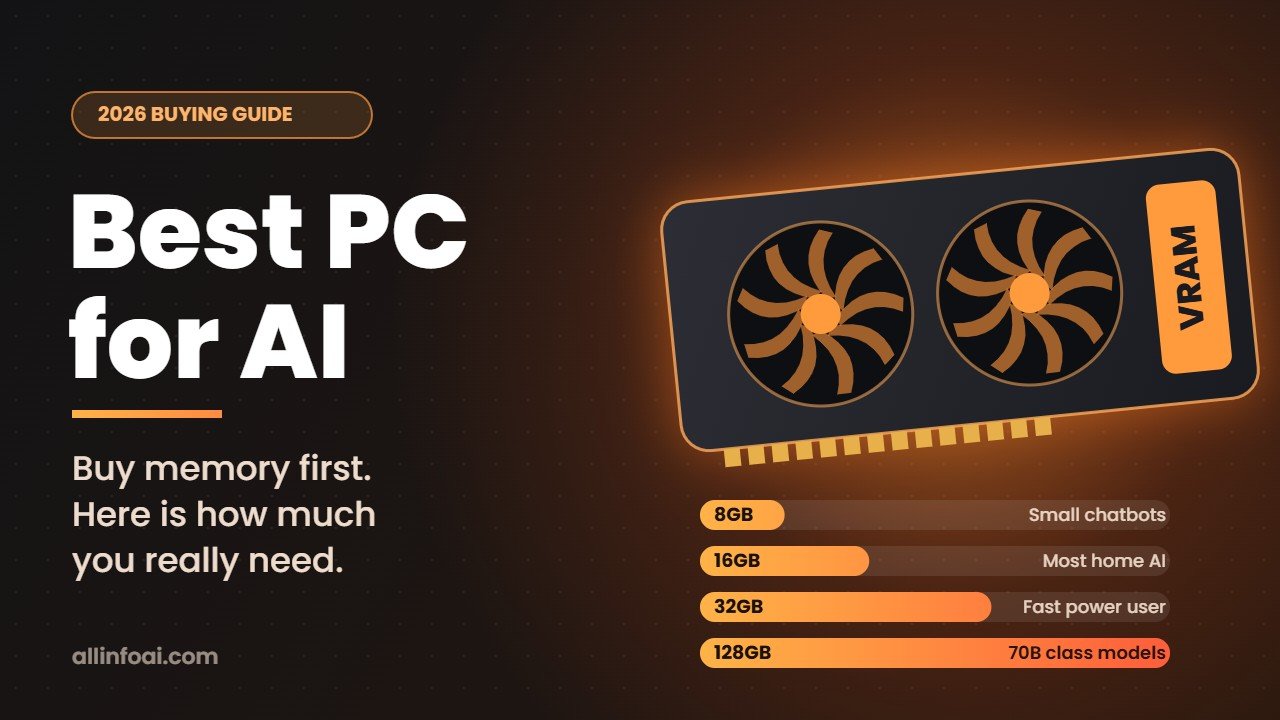
For most people who want to learn machine learning or run chatbots locally, the best PC for AI in 2026 is a desktop with an Nvidia RTX graphics card that has at least 16GB of VRAM, plus 64GB of system RAM and a 2TB NVMe SSD.
If you want to run very large models, around 70 billion parameters or more, on one quiet machine, look at computers with a big pool of unified memory instead: an Apple Mac Studio, an AMD Ryzen AI Max+ 395 mini PC with 128GB, or Nvidia’s DGX Spark.
Start with the job, not the hardware
Before you compare parts, decide what you will do most of the time. The right computer for a student learning Python looks nothing like the right computer for someone fine tuning models every week.
| What you want to do | What matters most | Good starting point |
|---|---|---|
| Learn machine learning and data science | A decent CPU, 32GB RAM, any recent GPU | A mid range desktop |
| Run chatbots and image models locally | VRAM or unified memory size | A GPU with 16GB or more |
| Train or fine tune your own models | VRAM, memory speed and CUDA support | 24GB to 32GB of VRAM, or a 128GB unified memory box |
| Use AI features built into Windows | An NPU rated at 40 TOPS or more | Any Copilot+ PC |
Most readers land in the second or third row. If that is you, keep reading, because memory is where most buying mistakes happen.
The one spec that matters most: AI memory
When an AI model runs, all of its weights need to sit in memory that the AI chip can reach quickly. On a typical desktop that memory is the VRAM on your graphics card. If a model is bigger than your VRAM, one of two things happens. It refuses to load, or it spills over into normal system RAM and becomes painfully slow.
That is why a cheaper card with more VRAM often beats a faster card with less. Speed helps, but capacity decides what you can run at all.
A simple way to estimate how much you need
You can plan with one easy rule. Each billion parameters needs roughly:
- 2GB at full 16 bit precision
- 1GB at 8 bit
- 0.6GB at 4 bit, which is the compressed (quantized) format most home users download
Then add a few extra gigabytes for the chat history, which the model also keeps in memory.
| Model size | 4 bit (typical home use) | 16 bit (full precision) |
|---|---|---|
| 8 billion parameters | about 5 to 6GB | about 16GB |
| 14 billion | about 9 to 10GB | about 28GB |
| 32 billion | about 20GB | about 64GB |
| 70 billion | about 40 to 45GB | about 140GB |
Treat these as planning numbers, not exact limits. Long conversations and large documents push memory use up.
Training needs far more memory than running
Running a model is the easy part. Training is much hungrier. A full fine tune with common optimizers can use around 16 bytes per parameter, so even a 7 billion parameter model can need well over 100GB.
That is why most people at home use LoRA or QLoRA. These methods train small add on layers instead of the whole model. With QLoRA, you can tune a 7B or 8B model on a single card with 16GB to 24GB of VRAM.
“AI PC” versus a PC for AI
This is the most common trap in 2026. Microsoft gives the Copilot+ PC label to Windows computers with an NPU (neural processing unit) rated at 40 TOPS or more. These chips are great for small, always on features such as background blur on video calls, live captions and photo tricks, and they sip battery.
But an NPU is not where serious machine learning happens. Popular tools like PyTorch, Ollama and LM Studio do their heavy work on the GPU or on unified memory chips, not on the NPU. So an AI PC sticker does not make a computer good for training or running large models.
Here is the simple test: ignore TOPS when you shop for machine learning. Look at VRAM or unified memory first. If you want to understand the chips themselves, our guide to laptops with AI chips explains how NPUs work.
The best PC for AI: four setups that make sense in 2026
1. Starter: learn machine learning and run small models
- GPU: Nvidia GeForce RTX 5060 Ti with 16GB. Skip the 8GB versions for AI work.
- CPU: any recent 6 to 8 core Intel Core or AMD Ryzen chip
- RAM: 32GB, or 64GB if your budget allows
- Storage: a 1TB to 2TB NVMe SSD
This setup runs 8B to 14B models at 4 bit, handles image generation tools, and covers almost every course project. It is also the cheapest way to get 16GB of VRAM on a current Nvidia card.
2. Sweet spot: fast local AI and light fine tuning
- GPU: RTX 5070 Ti or RTX 5080, both with 16GB
- CPU: 8 to 12 cores
- RAM: 64GB
- Storage: 2TB NVMe SSD
- Power supply: a good 850W unit
You get much faster replies and quicker image generation than the starter build, with the same 16GB ceiling on model size. If you only plan to run models, AMD’s Radeon RX 9070 XT (also 16GB) works well in LM Studio and Ollama. Just know that many training guides and libraries still assume Nvidia’s CUDA.
3. Power user: one card, top speed
- GPU: RTX 5090 with 32GB
- RAM: 64GB to 128GB
- Power supply: Nvidia recommends 1000W for this card
With 32GB, you can run 32B models at 4 bit fully on the GPU with room for long chats, and you can train small and mid sized models quickly. Its memory bandwidth of about 1.8TB/s also makes it very fast at producing text.
The catch is price. The RTX 5090 launched at $1,999, but a global memory shortage pushed street prices far higher during 2026, often past $4,000 at major US stores. Compare it carefully with the next option before you buy.
4. Big memory boxes: run 70B and larger models
If your goal is to load really big models on one machine, a single graphics card will not get you there. These three options share their memory between the CPU and the AI chip, so they can hold models that no consumer GPU can.
- Apple Mac Studio (2026): the M5 Max model starts at $2,499 with 36GB and goes up to 128GB. The M5 Ultra model starts at $5,499 with 96GB and goes up to 512GB, with the 512GB option arriving in late October 2026. It is quiet and works well with Apple’s MLX framework, LM Studio and Ollama. The downsides: there is no CUDA, and you can never add memory later.
- AMD Ryzen AI Max+ 395 mini PCs: machines such as the Framework Desktop, GMKtec EVO X2 and HP Z2 Mini G1a offer up to 128GB of shared memory, and up to 96GB of it can go to the built in GPU. This is usually the cheapest path to 128GB, and it runs Windows or Linux.
- Nvidia DGX Spark: a small box built on the GB10 chip with 128GB of unified memory and Nvidia’s full CUDA software stack. It launched at $3,999 in October 2025, and Nvidia raised the price to $4,699 in February 2026 because of memory supply. Asus, Dell, HP, Lenovo, MSI and others sell their own versions.
There is one trade off to understand. These boxes hold huge models, but their memory is slower than a desktop GPU’s. The DGX Spark, for example, has about 273GB/s of memory bandwidth, while an RTX 5090 has about 1.8TB/s. In practice, a big model loads fine but writes its answers more slowly.
Best PC for AI: side by side comparison
| Option | AI memory | Best for | Watch out for |
|---|---|---|---|
| RTX 5060 Ti 16GB desktop | 16GB VRAM | Learning, small models | Slow for bigger training jobs |
| RTX 5070 Ti or 5080 desktop | 16GB VRAM | Fast local AI, image generation | 16GB caps model size |
| RTX 5090 desktop | 32GB VRAM | Fastest single card | Price, heat, 1000W power supply |
| Ryzen AI Max+ 395 mini PC | Up to 128GB shared | Big models on a budget | Slower answers, memory is soldered |
| Mac Studio M5 Max or M5 Ultra | 36GB to 512GB unified | Huge models, silent desk setup | No CUDA, no upgrades, high price |
| Nvidia DGX Spark | 128GB unified | CUDA developers who need big memory | Price, Linux based DGX OS |
The other parts: where to spend and where to save
CPU. It matters less than most people expect. For data cleaning and everyday Python work, 8 modern cores are plenty. Put the extra money into the GPU.
System RAM. A good habit is to have at least twice as much RAM as VRAM. For most AI desktops, 64GB is the comfortable target, and memory prices in 2026 make it worth buying the right amount once.
Storage. AI files are big. A single 70B model at 4 bit is around 40GB, and you will collect several. A 2TB NVMe SSD is the sensible minimum, with a second drive for datasets if you work with images or video.
Power and cooling. Long training runs keep your GPU at full load for hours. Buy a quality power supply with headroom, and pick a case with good airflow. A cool card stays fast.
Two GPUs? It is possible, but it adds cost, heat and setup headaches, and not every tool splits a model across cards well. For most people, one card with more VRAM is the better buy.
Should you buy now or wait?
Memory got expensive in 2026 because AI data centers buy huge amounts of it, and that pushed up prices for graphics cards, RAM and even some Macs. Nvidia RTX 50 Super cards with more VRAM have been rumored for a long time, but as of September 2026 Nvidia had not announced them, and many industry reports expect memory to stay pricey through 2027.
So here is the practical advice. If you need a machine now, buy for memory capacity, not hype, and do not overpay for a top card you will not push. If you only need big hardware once in a while, rent it. Free notebooks such as Google Colab give you a GPU for learning, and cloud GPUs cost far less than a new workstation for occasional large jobs.
Laptop or desktop?
A desktop gives you more VRAM for the money, better cooling and the option to upgrade later. A laptop makes sense if you travel or study on campus, but even the top RTX 5090 laptop GPU has 24GB of VRAM, not 32GB, and it runs at lower power than the desktop card.
If portability matters to you, our guide to the best laptop for machine learning covers what to look for. Apple fans can also read about the MacBook Air and MacBook Pro with the M5 chip.
A quick buying checklist
- Write down the biggest model you want to run, and estimate its memory with the table above.
- Pick a GPU or unified memory size that fits that model with a few gigabytes to spare.
- Choose Nvidia if you plan to train or follow most tutorials, because CUDA support saves time.
- Pair it with 64GB of RAM and at least a 2TB NVMe SSD.
- Check that your power supply matches the card’s recommendation.
- Ignore NPU TOPS numbers unless you only want Windows AI features.
Once your machine is ready, put it to work. Our step by step guide on how to use AI for data analysis is a good first project.
FAQ
How much RAM do I need for machine learning?
32GB is the minimum for comfortable work in 2026, and 64GB is the better target if you run local models or work with large datasets. Remember that VRAM, the memory on your graphics card, matters even more than system RAM for AI models.
Is an AI PC with an NPU enough for machine learning?
No. An NPU speeds up small Windows AI features and saves battery. Training and running large models happens on the GPU or on unified memory chips, so judge a computer for machine learning by its VRAM or unified memory, not its TOPS rating.
Can I use an AMD graphics card for AI?
Yes, for running models. Tools like LM Studio and Ollama support recent AMD cards well. For training, Nvidia is still the easier choice because most libraries and tutorials are built around CUDA.
Is a Mac good for machine learning?
A Mac Studio is excellent for running very large models thanks to its unified memory, and Apple’s MLX framework keeps improving. It is less ideal if your work depends on CUDA, which only runs on Nvidia hardware.
What is the cheapest way to run a 70B model at home?
A Ryzen AI Max+ 395 mini PC with 128GB of shared memory is usually the lowest cost option. A 70B model at 4 bit needs around 40 to 45GB, which fits easily, though replies arrive slower than on a high end desktop GPU.
The bottom line
The best PC for AI is the one with enough fast memory for the models you care about. Start from your workload, estimate the memory, then pick the cheapest machine that clears it with room to spare. For most people that means a 16GB Nvidia card today, and for big model fans it means a unified memory box. Buy for memory first, and every other choice gets simple.