
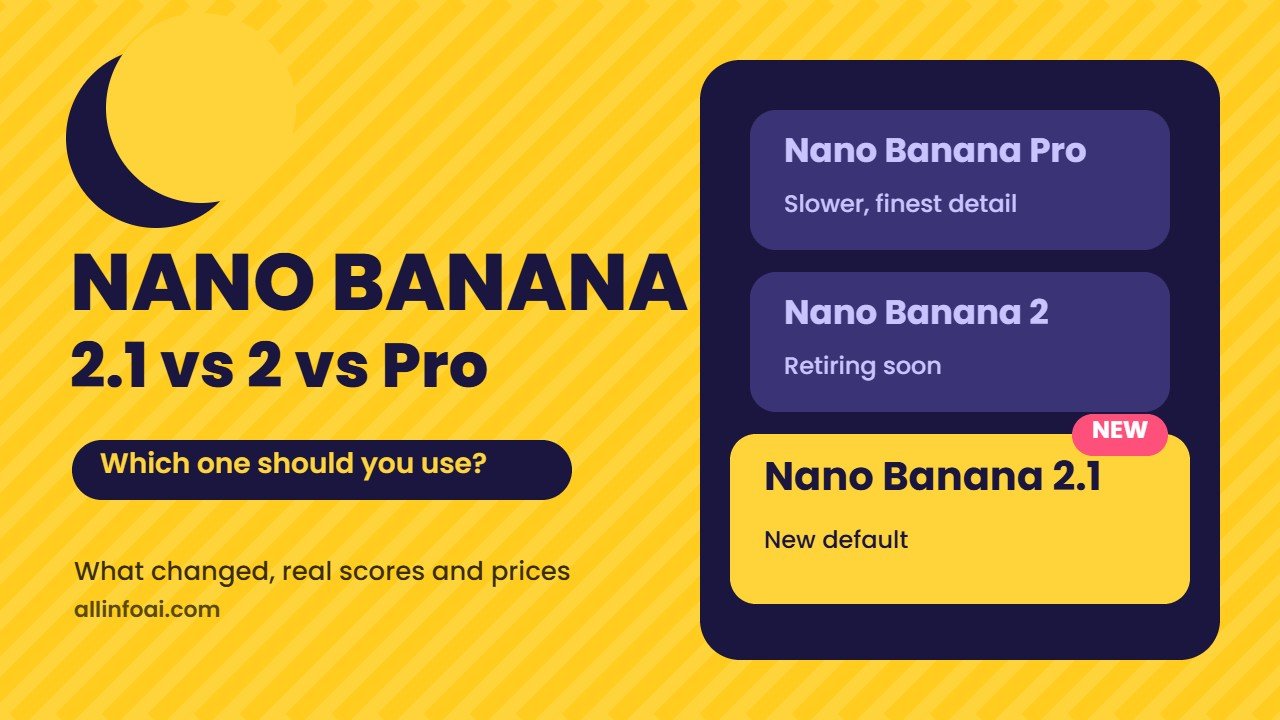
Google released Nano Banana 2.1 on 6 October 2026, only seven months after Nano Banana 2. Now there are three Nano Banana models people talk about, and the names make it hard to know which one you are actually using.
This guide clears up the mess. Below you get the real changes in version 2.1, a side by side look at all three models, the developer prices and a simple way to choose the right one for your work.
Quick answer
Nano Banana 2.1 is Google’s newest image model for creating and editing pictures. It is faster and cheaper than Nano Banana Pro, and in Google’s own tests it beats both Nano Banana 2 and Nano Banana Pro on overall quality, editing and keeping faces the same across edits.
Use Nano Banana 2.1 for everyday images, posters with text, infographics, product shots and photo edits.
Keep Nano Banana Pro for the rare photo where every detail must look natural and you have a paid plan that still offers it.
Nano Banana 2 is on its way out. Reports say Google plans to retire it on 29 October 2026, so new projects should start on 2.1.
What is Nano Banana 2.1?
Nano Banana is the friendly name Google uses for the image models inside Gemini. Nano Banana 2.1 is the latest one. Google DeepMind’s model card says it belongs to the Gemini 3 family and runs on Gemini 3.6 Flash.
It reads text and pictures as input and can send back an image plus a short text reply. Google lists these places where you can use it:
- The Gemini app (web and mobile)
- AI Mode in Google Search
- Google AI Studio and the Gemini API, for developers
- Flow, Google’s tool for AI video
- Stitch, Google’s AI design tool
- Google Ads, for ad image ideas
The rollout started on launch day, so a few people may still see the older model for a short time.
The Nano Banana family in one minute
The names get confusing because each model also has a technical name. Here is the full family in the order it arrived.
| Model | Technical name | Released | What it was known for |
|---|---|---|---|
| Nano Banana | Gemini 2.5 Flash Image | August 2025 | Fun photo edits, the viral figurine trend |
| Nano Banana Pro | Gemini 3 Pro Image | November 2025 | Studio quality, clean text, up to 4K |
| Nano Banana 2 | Gemini 3.1 Flash Image | 26 February 2026 | Near Pro quality at Flash speed |
| Nano Banana 2.1 | Based on Gemini 3.6 Flash | 6 October 2026 | Better design, masked edits, consistent faces |
If you want the background on the first model and how the craze started, read our guide to Google Gemini AI Nano Banana.
What is new in Nano Banana 2.1
Google highlights three main upgrades. This is what they mean for you.
1. Better visual design
Posters, menus, slides and infographics come out cleaner. Layouts look more balanced and the model places text where a designer would. This matters if you make thumbnails, social posts or simple ads.
2. Masked editing that stays inside the lines
You can mark one part of a picture, by drawing on it or describing it, and only that part changes. Change a shirt colour, remove a cup from a table or swap a sky, and the rest of the photo stays as it was. Older models often changed nearby areas too.
3. Faces and products that stay the same
When you edit a photo several times, the person should still look like the same person. Nano Banana 2.1 holds faces and objects steadier across many edits. It can also take up to 14 reference images in one request, with up to 4 people and 10 objects it tries to keep consistent.
Other useful changes
- It can look things up. The model can check Google Search and Google Image Search before it draws, which helps with real places, landmarks and products.
- Thinking levels. Developers can choose how long it plans before drawing: minimal, medium or high. More thinking gave better scores in Google’s tests.
- Sizes and shapes. It makes images at 1K, 2K and 4K, and supports very wide formats up to 8:1 for banners.
- Lower cost. The developer price is roughly half of Nano Banana 2. More on that below.
Nano Banana 2.1 vs Nano Banana 2 vs Nano Banana Pro
| Feature | Nano Banana 2.1 | Nano Banana 2 | Nano Banana Pro |
|---|---|---|---|
| Speed | Fast | Fast | Slower |
| Best at | Design, edits, consistency | All round daily use | Fine detail, natural photos |
| Text in images | Strong | Good | Strong |
| Max resolution | 4K | 4K | 4K |
| Search grounding | Yes | Yes | Yes |
| Developer price, 1K image | About $0.034 | About $0.067 | About $0.134 |
| Status in October 2026 | New default | Being retired | Still offered on paid plans |
What Google’s own tests show
Google tested the models with human raters who compared images side by side. Higher numbers are better. These are Google’s figures from the official model card.
| Test | Nano Banana 2.1 (thinking on) | Nano Banana 2 | Nano Banana Pro |
|---|---|---|---|
| Overall preference | 1050 | 990 | 935 |
| Infographic design | 1048 | 961 | 912 |
| Infographic facts correct | 0.521 | 0.179 | 0.265 |
| General editing | 1026 | 938 | 939 |
| Many people stay consistent | 1106 | 978 | 1011 |
| Masked editing | 1049 | 965 | 927 |
The biggest jump is in infographics. Nano Banana 2.1 got the facts right far more often than the older models, which is good news if you make study notes, charts or explainer images.
But is it really better than Pro?
Keep one thing in mind: these are Google’s own tests. Early hands on reviews give a more mixed picture. The Decoder, for example, found that Nano Banana Pro still produced more natural colours and better proportions in some realistic scenes. So the honest answer is this: Nano Banana 2.1 wins on design, editing and price, while Pro can still win on pure photo realism.
How much does Nano Banana 2.1 cost?
For normal users the model comes inside the Gemini app, so the price depends on your Gemini plan. Free users can create images with daily limits, and paid Google AI plans get higher limits. Google changes these limits often, so check the app for your current allowance.
For developers who pay per image through the Gemini API, Google’s prices look like this:
| Image size | Nano Banana 2.1 | Nano Banana 2 | Nano Banana Pro |
|---|---|---|---|
| 1K | $0.0336 | $0.067 | $0.134 |
| 2K | $0.0504 | $0.101 | $0.134 |
| 4K | $0.0756 | $0.151 | $0.24 |
That means a thousand standard images now cost about $34 instead of $67 on Nano Banana 2. Batch jobs, where you send many images to process later, get a further discount. See Google’s Gemini API pricing page for the latest numbers, since prices can change.
Which Nano Banana should you use?
Pick by the job, not by the version number.
- Social media posts, thumbnails and posters: Nano Banana 2.1. The design upgrade and clean text help most here.
- Infographics and study notes: Nano Banana 2.1 with thinking turned up. It scored far higher on getting facts right.
- Editing one part of a photo: Nano Banana 2.1. Masked editing is its strongest new skill.
- A series of images with the same character: Nano Banana 2.1, using reference images for the face and outfit.
- One hero photo that must look perfectly real: Try Nano Banana Pro if your plan includes it, then compare with 2.1.
- Apps and websites that make many images: Nano Banana 2.1. Half the cost adds up fast.
- Old code that still calls Nano Banana 2: Move it to 2.1 before the retirement date to avoid broken features.
How to use Nano Banana 2.1 in Gemini
You do not need any special setup. Gemini picks the newest image model for you once it reaches your account.
- Open gemini.google.com or the Gemini app and sign in with your Google account.
- Tap the tools option and choose Create image, or simply type a request such as “Create an image of…”
- Describe the picture. Say the subject, the style, the light and the shape, for example square or wide.
- To edit a photo, upload it first and say exactly what to change and what to keep.
- Ask for small changes one at a time. “Make the sky orange” works better than ten changes in one message.
- Download the result. If your paid plan still offers Nano Banana Pro, look for the option to redo the image with Pro in the image menu and compare both.
New to image prompts? Our Gemini AI images guide walks through the basics, and our Nano Banana prompts give you ready ideas to try.
5 prompt ideas that show off Nano Banana 2.1
Copy these and change the details to fit your idea.
- Poster: “Design a vertical poster for a weekend food market. Title at the top in bold letters: SUNDAY STREET FOOD. Warm evening light, string lights, three food stalls, date and time at the bottom in small clean text.”
- Infographic: “Make a simple infographic that explains how solar panels make electricity, in four numbered steps, flat icons, white background, short labels.”
- Masked edit: “In this photo, change only the jacket to dark green leather. Keep the face, hair, background and lighting exactly the same.”
- Consistent character: “Using this person as reference, show them in three scenes: reading in a cafe, cycling in a park and cooking at home. Same face, same hairstyle, same glasses.”
- Product shot: “Place this water bottle on a wet rock near a waterfall, morning light, soft mist, product label sharp and readable.”
Limits you should know about
Google’s model card is honest about weak spots. Keep these in mind before you rely on the results.
- Very small text, long paragraphs and full pages of text can still come out blurry, especially at 1K. Use 2K or 4K for text heavy designs.
- Faces from your reference photos do not always match perfectly.
- It sometimes mixes up left and right.
- Masked edits do not always follow every instruction.
- Like all AI models, it can still make up facts, so check numbers and names in any infographic before you share it.
Can people tell your image is AI made?
Yes. Google adds an invisible SynthID watermark to images its models create, and it is adding C2PA Content Credentials so apps can show how an image was made. If you post AI images, be open about it. It builds trust and many platforms now ask you to label AI content. Want to check an image yourself? Read our guide on how to tell if a photo is AI generated.
Frequently asked questions
Is Nano Banana 2.1 free?
You can use it in the free Gemini app with daily limits. Paid Google AI plans raise those limits. Developers pay per image through the Gemini API, starting at about $0.034 for a 1K image.
Is Nano Banana 2.1 better than Nano Banana Pro?
In Google’s tests it scores higher on overall preference, design, editing and consistency, and it costs far less. Some independent testers still prefer Pro for very realistic photos, so compare both for important work.
What happens to Nano Banana 2?
Nano Banana 2.1 replaces it. Reports say Google plans to retire Nano Banana 2 on 29 October 2026. Developers should switch their apps before then.
Can Nano Banana 2.1 write text inside images?
Yes, and it does it well for titles, labels and short lines. Very small text and long paragraphs can still look blurry, so use a higher resolution for posters and infographics.
Where else can I find Nano Banana 2.1?
Besides the Gemini app, it is rolling out in AI Mode in Google Search, Google AI Studio, the Gemini API, Flow, Stitch and Google Ads.
Final word
Nano Banana 2.1 is not a giant leap like the first Nano Banana, but it is a smart upgrade. You get cleaner designs, edits that stay where you want them and faces that stay the same, all at about half the price of Nano Banana 2. For most people it is now the right default. Keep Nano Banana Pro in your back pocket for the few photos that must look perfectly real, and always check facts before you share an AI infographic.
Looking for more free image tools? See our list of free AI tools for image generation.