
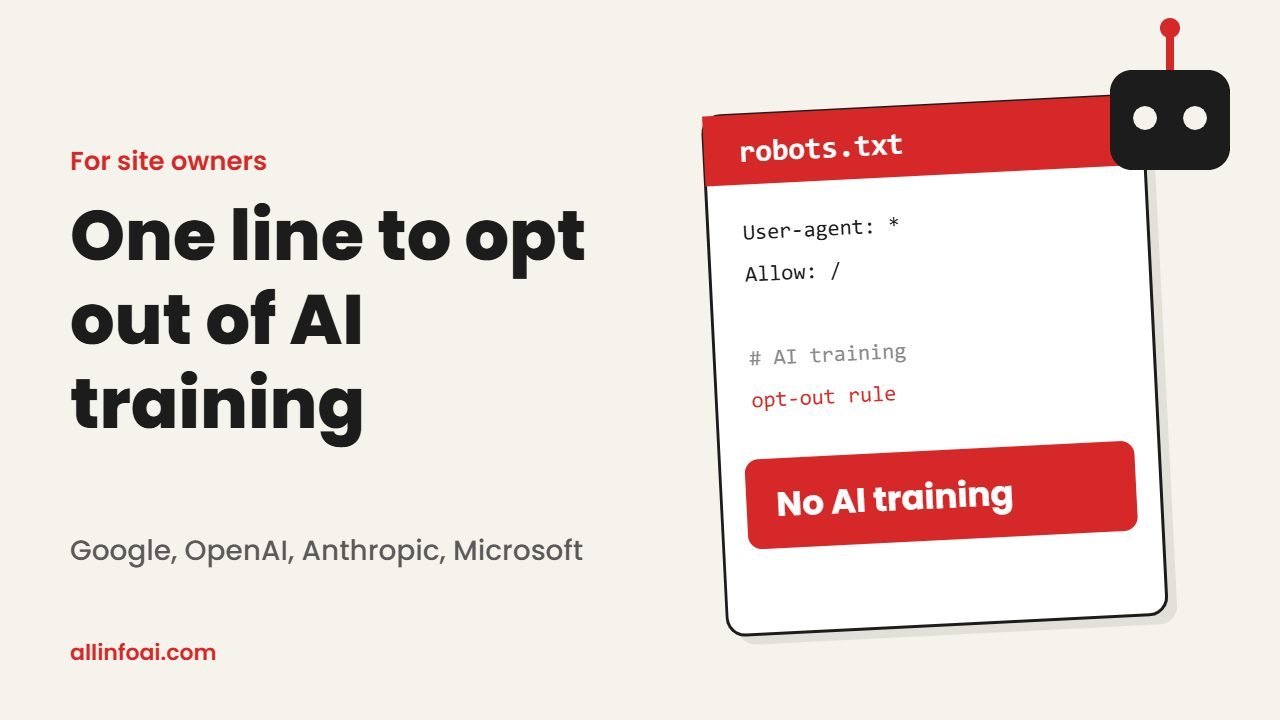
Website owners have wanted a simple robots.txt AI training opt out for years. Until now, you had to block each company’s crawler one by one: GPTBot for OpenAI, Google-Extended for Google, ClaudeBot for Anthropic, and so on. That started to change on 30 October 2026.
Google, Anthropic, OpenAI and Microsoft each said they will honor one shared robots.txt AI training signal. Add one small group to your file, and every company that supports it should treat your content as off limits for training generative AI models.
Quick answer: Add User-Agent: __usage_ai-training followed by Disallow: / to your robots.txt. It tells supporting AI companies not to train generative models on your site. It does not block search crawlers, so your Google and Bing rankings stay safe. Support starts at different times, so keep your old rules for now.
What changed on 30 October
The new signal comes from an Internet Draft called Machine Readable Training Preference Signal, written by Kevin Kelley of Anthropic. It defines a special name, called a policy token, that you place in robots.txt just like a crawler name.
On the same day, all four companies said they would respect it. As a result, one rule can now speak to several AI labs at once.
One honest caveat: this is an individual draft, not an official IETF standard yet. It feeds into the wider IETF work on AI preferences. Also, robots.txt is a request, not a lock. Companies follow it by choice.
The exact robots.txt AI training rule
To opt your whole site out of AI training, add this group:
User-Agent: __usage_ai-training
Disallow: /
If you want to keep one folder open, add an Allow line:
User-Agent: __usage_ai-training
Disallow: /
Allow: /press-kit/
You can also protect only one section by naming just that path:
User-Agent: __usage_ai-training
Disallow: /members/
A key detail: a User-Agent: * group does not count. The draft says the wildcard must not match this token, so you have to name it directly. If you never mention the token, you have expressed no preference.
When each company starts honoring it
| Company | Status on 2 November 2026 |
|---|---|
| Anthropic | Has started building support; full coverage over the coming months |
| Microsoft | Takes effect on 1 February 2027 |
| Plans support in early 2027 | |
| OpenAI | Says it will honor the common signal; no firm date yet |
Microsoft confirmed its date on the Bing blog. Google’s crawler documentation says it intends to support the token in early 2027. Reports on OpenAI’s timing differ, so watch its official pages.
Will this hurt my SEO?
No. The token covers training, not crawling. In fact, the draft says it describes how content may be used, not whether a bot may fetch it. Googlebot and Bingbot keep indexing your pages as before.
Google also confirms that Google-Extended, its existing AI control, is not a ranking signal and does not affect inclusion in Search. However, there is one Google detail to know. According to Google’s Search Central post, if you opt out with the shared token and do not name Google-Extended, Google will treat it as if you had blocked Google-Extended too. That can also remove your content from grounding in Gemini apps. If you want to appear in Gemini answers, explicitly allow Google-Extended.
If you work on search visibility, our guide to AI SEO tools shows how to track how AI answers cite your site.
Training versus AI answers
Opting out of training is not the same as hiding from AI answers. Training changes what a model learns. Grounding, on the other hand, means an AI tool fetches your page live to answer a question, often with a link back to you.
Microsoft will also honor a separate page level grounding control for Bing from 1 February 2027. For example, a meta tag can say ai-grounding:disallow. Blocking grounding may cost you visibility and clicks from AI answers, so think before you use it.
Microsoft also made a change for old tags. After 1 March 2027, Bing will no longer read NoArchive or NoCache as AI preferences. If you rely on those, review your setup before then. From 15 December 2026, Bing Webmaster Tools also lets those sites set a temporary grounding preference.
Free: AI Tools Cheat Sheet 2026
24 free tools sorted by task, a simple prompt formula and 10 prompts you can copy. We send the PDF straight to your inbox.
Sent! Check your inbox
We emailed the AI Tools Cheat Sheet to you. Not there in 2 minutes? Look in Spam or Promotions.
How to add the rule on WordPress
- Open your robots.txt. In Yoast SEO, go to Tools, then File editor. You can also use your host’s file manager.
- Add the
__usage_ai-traininggroup in its own block. Do not merge it into theUser-Agent: *group. - Keep your existing rules for GPTBot, Google-Extended and ClaudeBot until each company’s support is live.
- Never block Googlebot, Bingbot, OAI-SearchBot or Claude-SearchBot if you want search traffic.
- Save, then visit yoursite.com/robots.txt to confirm the new lines appear.
How it compares with the old crawler rules
The old method listed each company’s crawler by name. That approach still works and stays important for now. For instance, disallowing GPTBot remains OpenAI’s training opt out today, while OAI-SearchBot controls ChatGPT search visibility. Anthropic separates ClaudeBot for training from Claude-User and Claude-SearchBot.
The new token is different in two ways. First, it is shared, so one line covers every supporting company. Second, it is about use, not access. Company specific rules can still take priority over it, so a clear GPTBot rule will keep working as written.
Remember too that the signal works going forward only. It does not remove anything AI companies collected before.
Should you use it?
It depends on your goals. News sites, writers and creators who sell original work have strong reasons to opt out. Meanwhile, businesses that want brand mentions in AI tools may prefer to stay open to training and focus on grounding instead.
Whatever you choose, this is a personal decision about your own content. Users can also control how their own chats and data train AI, which we explain in our guide on how to opt out of AI training.
Also read: Samsung TV Privacy Claims: What a Researcher Says and How to Turn Off Tracking
FAQ
How do I block AI training in robots.txt with one rule?
Add a group with User-Agent: __usage_ai-training and Disallow: /. Support depends on each company’s start date.
Will blocking AI training hurt my Google rankings?
No. The token does not affect Googlebot or Bingbot indexing, and Google-Extended is not a ranking signal.
Does User-agent: * block AI training?
No. The draft says wildcard groups do not match the token. You must name it directly.
Do I still need GPTBot and Google-Extended rules?
Yes, for now. Keep them until each company fully supports the shared token.
Does it remove my content from existing AI models?
No. It only applies to future training. Content collected earlier is not removed.