
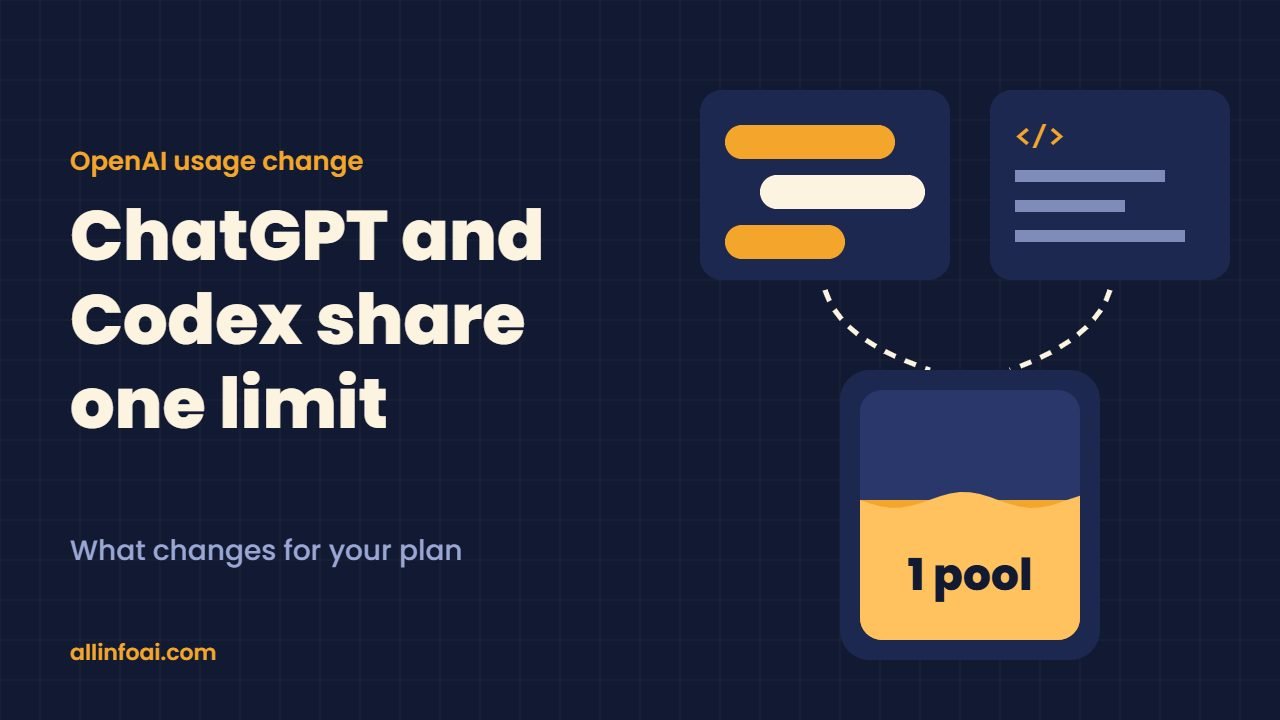
OpenAI is changing your ChatGPT and Codex usage limits. Starting in December 2026, ChatGPT and Codex will draw from one shared usage allowance on the Plus, Pro and Business plans. Today you get separate buckets. Soon, a long coding session in Codex and a big research task in ChatGPT will eat from the same pool.
This guide explains the new ChatGPT Codex usage limits in plain words: what OpenAI confirmed, what it has not said yet, and how to make your allowance last.
Quick answer: From December, Plus, Pro and Business users get one token based allowance shared by ChatGPT and Codex. Instant chat does not count against it. You can track what is left in Settings, then Usage. When you run out, you can wait for the reset, upgrade, or buy credits.
What OpenAI announced
OpenAI updated its Help Center page, Understanding ChatGPT and Codex usage limits, at the end of October. The page says that starting in December, the Plus, Pro and Business plans will have a single allowance across both products instead of two separate ones.
OpenAI links the move to a bigger plan. The company is bringing the agentic features of ChatGPT Work into the main ChatGPT experience. Work already shares usage with Codex today, so this change extends the same idea to the rest of ChatGPT.
How the new ChatGPT Codex usage limits work
The shared pool counts tokens, not messages. In other words, the cost of each request depends on two things: the model you pick and how hard the task is. A short question to a light model costs little. In contrast, a long agent run with a top reasoning model costs a lot more.
Here are the key rules OpenAI has shared so far:
- One pool: ChatGPT and Codex usage come from the same allowance on Plus, Pro and Business.
- Instant chat is free of the pool: OpenAI states that Instant chat does not draw from your usage.
- One place to check: Settings, then Usage, shows what you have left and when it resets.
- Three options at the limit: wait for the reset, move to a higher plan, or buy credits for eligible features.
OpenAI also says it expects most people will not hit a reset more often than they do now. That is an expectation, not a promise, so heavy users should watch their numbers in the first weeks.
ChatGPT Codex usage limits: time windows still matter
Codex and Work limits can already apply over two windows at once: five hours and one week. You need room in both to keep going. OpenAI explains this on its page about managing usage in Work and Codex.
So far, OpenAI has not published the new five hour and weekly numbers for the shared pool. Its own pages also disagree a little today. For example, the Codex pricing page says Pro plans have no five hour limit, while the help page lists five hour estimates for Pro. Expect clearer numbers when the change goes live.
Which plans get the shared ChatGPT Codex usage limits
| Plan | Price on OpenAI’s pricing page | Shared pool from December |
|---|---|---|
| Free | $0 | Not mentioned |
| Go | $8 a month | Not mentioned |
| Plus | $20 a month | Yes |
| Pro | From $100 a month | Yes |
| Business | $20 per user a month (annual) or $25 monthly | Yes |
| Enterprise and Edu | Through sales | Not mentioned |
Prices come from OpenAI’s Codex pricing page on 2 November 2026. OpenAI has not announced any price change with this update. Also, it has not said anything about Free, Go, Enterprise or Edu, so do not assume those plans change.
Who should care most
Developers on Plus feel this the most. Many of them chat in ChatGPT all day and then run long Codex jobs at night. Under the old system, each product had its own budget. As a result, a heavy coding day could not touch your chat time. From December, it can.
Business teams should also plan ahead. Each seat gets one pool, so a teammate who leans hard on Codex agents may hit the wall sooner. If your team uses AI coding every day, our guide to vibe coding shows how people work with these agents and why they burn tokens fast.
Light users can relax. If you mostly ask quick questions, Instant chat keeps that work outside the pool.
Free: AI Tools Cheat Sheet 2026
24 free tools sorted by task, a simple prompt formula and 10 prompts you can copy. We send the PDF straight to your inbox.
Sent! Check your inbox
We emailed the AI Tools Cheat Sheet to you. Not there in 2 minutes? Look in Spam or Promotions.
How to make your ChatGPT Codex usage limits last
You can stretch the new ChatGPT Codex usage limits with a few simple habits:
- Use Instant chat for quick tasks. Drafting a reply or checking a fact does not need a reasoning model, and Instant chat does not count.
- Pick the lightest model that does the job. Save the top model for hard bugs, long documents and complex plans.
- Avoid speed modes unless you need them. OpenAI’s pricing page says Fast mode uses 2.5 times the included usage, and Ultrafast on the top Pro tier uses 8 times.
- Give agents clear, small tasks. A tight prompt with the right files finishes faster than a vague request that makes the agent explore.
- Check Settings, then Usage, every few days. Watch both the five hour and the weekly window so a long job does not stall halfway.
- Plan big Codex runs after a reset. If you know a refactor will take hours, start it when your window is fresh.
If you use ChatGPT Work for office tasks, our walkthrough of how to use ChatGPT Work covers the features that will now share this pool.
What OpenAI has not confirmed about the new usage limits
Several details are still open. We will update this guide when OpenAI shares them:
- The exact start day in December.
- The size of the shared allowance for each plan.
- The new five hour and weekly numbers.
- Which features besides Instant chat stay outside the pool, such as image generation, voice or deep research.
- Credit prices for the shared pool and which features count as eligible.
Until then, treat any exact message counts you see online as guesses.
Is this good or bad for users?
It depends on how you work. On the plus side, one pool is simpler, and one screen shows everything. If you rarely use Codex, your chats may even get more room than before.
On the other hand, people who push both products hard lose the safety of two separate budgets. A big Codex job can now cut into the chat time you need for meetings or writing. For them, buying credits or moving to Pro may become a real cost.
Our advice is simple: change nothing yet, track your usage for the first two weeks of December, and then decide.
Also read: ChatGPT Pro: How OpenAI’s $200 Plan Started and What It Offers Now
FAQ
When do ChatGPT and Codex start sharing usage limits?
OpenAI says the change starts in December 2026. It has not named the exact day.
Which ChatGPT plans get the shared allowance?
The Help Center names Plus, Pro and Business. Free, Go, Enterprise and Edu are not mentioned.
Does Instant chat count against the shared pool?
No. OpenAI states that Instant chat does not draw from your usage.
Where can I see my remaining usage?
Open ChatGPT, go to Settings, then Usage. It shows what is left and when each window resets.
What happens when I hit the limit?
You can wait for the reset, upgrade to a higher plan, or buy credits to keep using eligible features.