
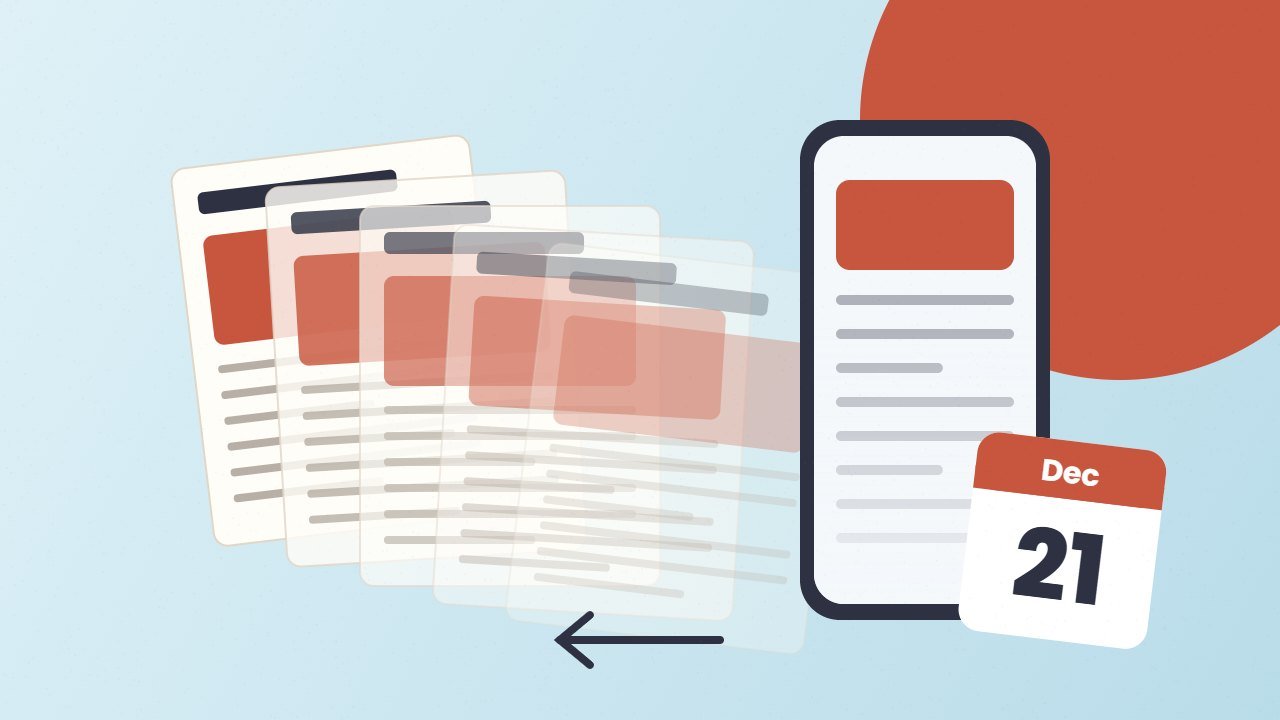
The Samsung News app is shutting down. Samsung has told users inside the app that the service ends on 21 December 2026 at 00:00 UTC. After that date, the app, its home screen widget and the Samsung News feed on the left home panel all stop working. So if you swipe right on your Galaxy phone to read headlines, this change may affect you.
Here is what we know so far, what happens to your data, and how to switch to a new news feed in under a minute.
Quick answer: Samsung News closes on 21 December 2026 (00:00 UTC, which is 5:30 AM IST on 21 December and 7 PM EST on 20 December). The notice has appeared for users in India and South Korea. Samsung has not given a reason or named a replacement. Google Discover, which already sits on the same panel, is the easiest switch.
What Samsung News app users are being told
The first reports came from SamMobile in late October. Android Central and Android Headlines followed on 29 to 31 October. All of them describe the same in app notice on Galaxy phones and tablets.
The notice covers three things:
- The app stops serving news.
- The home screen widget stops updating, and Samsung asks you to remove it.
- The media page (the panel you reach by swiping right from your home screen) loses the Samsung News option.
However, Samsung has not published a press release about the shutdown yet, so details come from the notice itself.
Which countries and phones are affected?
So far, the notice has been confirmed for users in India and South Korea. One tech blog also reports that a moderator on Samsung’s European forum received it. In contrast, no report confirms a date for the United States.
If you live in the US, you may not see the notice yet. Still, tech reporters expect other markets to follow, so it is wise to plan for the change.
Overall, the change applies to Galaxy phones and tablets that show Samsung News on the left home panel or have the app installed.
Why is the Samsung News app shutting down?
Samsung has not given a reason. Some reporters see it as a clean up of duplicate services, but that is opinion. What we do know is the history. Samsung’s news feed has changed name several times:
| Years | Name | What it was |
|---|---|---|
| 2017 | Bixby Home | Card feed on the left panel |
| 2019 | Samsung Daily | News and content cards |
| About 2020 to 2021 | Samsung Free | News, TV and games in one place |
| 2023 onward (US first) | Samsung News | Dedicated news app and feed |
| 21 Dec 2026 | Shut down | No direct replacement named |
Meanwhile, Samsung Free itself ended on 16 December 2025, and Samsung News stayed as the news option. Now that last piece is going too.
What happens to your data?
According to the notice, Samsung will delete personal data linked to the service after the shutdown. That includes your account profile and personalisation data for Samsung News. A FOX 10 report quotes the notice as saying data will be “deleted without delay”. The only exception is data that local law requires Samsung to keep, and only for as long as the law says.
In addition, this does not touch your Samsung account itself, your photos, your messages or your files. Your saved topics will not move to Google Discover, though. You will need to pick your interests again in the new app.
How to switch from Samsung News to Google Discover
For most people, Google Discover is the simplest swap, because it already lives on the same left panel. These steps come from Samsung’s own support page. Menus can look slightly different by model and One UI version.
- Touch and hold an empty spot on your home screen.
- Swipe right until you reach the left most page.
- Tap Google Discover instead of Samsung News.
- Go back to your home screen. Now a swipe right opens Discover.
However, Samsung notes that Discover is not available in every country, carrier or model. If you do not see it, try the alternatives below.
Turn off the left panel completely
If you do not want any feed there, use the same edit screen. Swipe to the left most page and turn off the switch at the top. As a result, a swipe right will do nothing.
Remove the widget and the app
To remove the widget, touch and hold it, then tap Remove. To clear the app, open Settings, then Apps, then Samsung News, and tap Disable or Uninstall. On some models you may only see Disable, because the app came preinstalled.
Free: AI Tools Cheat Sheet 2026
24 free tools sorted by task, a simple prompt formula and 10 prompts you can copy. We send the PDF straight to your inbox.
Sent! Check your inbox
We emailed the AI Tools Cheat Sheet to you. Not there in 2 minutes? Look in Spam or Promotions.
Best alternatives to the Samsung News app
Fortunately, you have plenty of free choices. Here is a quick comparison.
| App | Best for | Notes |
|---|---|---|
| Google Discover | Swipe right feed | Already on the Galaxy left panel in most regions |
| Google News | Full news app | Headlines, local news and Full Coverage |
| MSN | Microsoft users | Microsoft moved Microsoft Start back to the MSN name |
| Magazine style reading | Follow topics and curated boards | |
| RSS reader | Full control | Apps like Feedly or Inoreader follow sites you pick |
For example, if you like reading tech news, you can follow AllInfo AI in Google News or add our site to an RSS reader. In fact, Google is also changing how news shows up in search. Our guide to Google AI Mode explains what that means for readers.
Is this connected to the One UI 9 update?
No. The shutdown is a service change on Samsung’s servers, not a software update. It will happen whether your phone runs One UI 8 or the new One UI 9 update. That said, One UI 9 also changes parts of the home screen, such as the new One UI 9 search bar, so the two changes may arrive at a similar time on your phone.
Also, do not mix this up with the Samsung Messages shutdown. That app closed in the US in July 2026, and users moved to Google Messages. It is a separate story.
Also read: Google Play System Update Dated January 2027: Why It Happened and What to Do
FAQ
When does the Samsung News app stop working?
It stops on 21 December 2026 at 00:00 UTC. That is 5:30 AM on 21 December in India and 7 PM on 20 December on the US East Coast.
Is Samsung News shutting down in the US?
Not confirmed yet. The notice has appeared in India and South Korea. Samsung has not announced a US date as of 1 November 2026.
Will Google Discover replace Samsung News automatically?
Samsung has not said so. Some reports expect Discover to become the default on the left panel, but you can switch it yourself today in a few taps.
Will I lose my saved news settings?
Yes. Samsung says it will delete personal data for the service after shutdown. Your topics will not carry over to other apps.
Bottom line
The Samsung News app is ending on 21 December 2026, with no official replacement. The fix takes less than a minute: switch the left panel to Google Discover, remove the widget, and pick a news app you like. If you are in the US and have not seen the notice yet, it still makes sense to switch early, so your morning headlines never stop.