
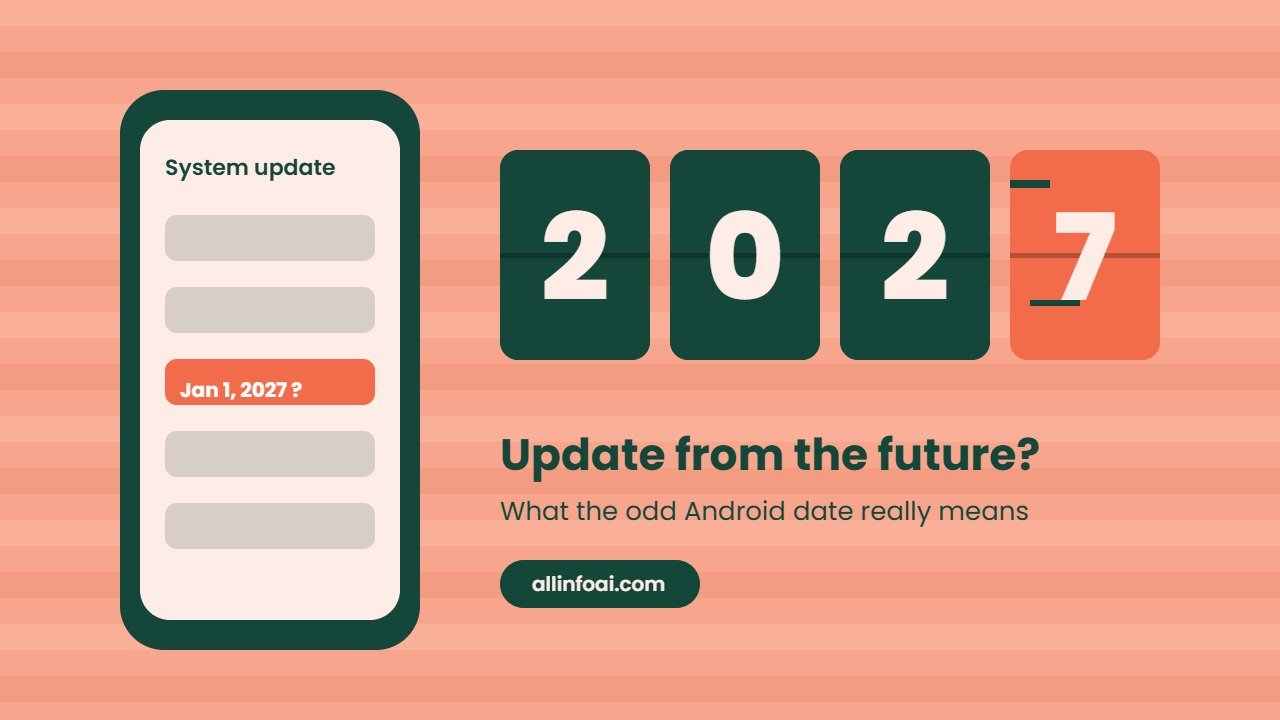
If you opened your phone settings this week and saw a Google Play system update dated January 1, 2027, you are not seeing things. Many Android owners, mostly on Samsung Galaxy phones, noticed the same strange date in late October 2026. As a result, people started asking if Google had sent an update from the future or if something was wrong with their phone.
In this guide, you will learn what the date really means, which phones show it and whether your phone is safe.
Quick answer: The January 2027 date is a labelling mistake on a normal Google Play system update. It does not mean your phone has future security fixes, and there is no sign that it harms your phone or apps. One user has reported a small follow up update that corrected the date on a Galaxy phone, but Google has not explained the error yet.
What is a Google Play system update?
Your Android phone gets updates through more than one channel. The Google Play system update is the one most people never notice. Google uses it to refresh core parts of Android, called mainline modules, without waiting for a full system update from your phone maker.
For example, these modules cover things like media handling, network security, permissions and parts of Google Play services. Because Google ships them directly, your phone can get some fixes even when the brand is slow with full updates.
However, this update is separate from two other dates on your phone:
| Update type | Who sends it | What it changes |
|---|---|---|
| Android version | Your phone maker | The full operating system, such as Android 17 |
| Android security update | Your phone maker | Monthly security fixes for the system |
| Google Play system update | Core Android modules in the background |
In other words, a strange date in one row does not change the other two.
Why does the Google Play system update show January 2027?
The first reports appeared on 21 October 2026. Android Authority found the January 1, 2027 date on its own Galaxy Z Fold 8. Soon after, owners of the Galaxy S26 Ultra, S23 Ultra, S24 Plus and Galaxy A17 5G shared the same thing online.
In addition, SamMobile reported that Galaxy S26 Ultra units on stable One UI 9 received an update of about 100MB with the 2027 timestamp. Google did not publish a changelog for it.
The problem is not only on Samsung phones. Android Police said its own Pixel 8 Pro and Vivo X300 Ultra showed the 2027 date too, and that phones going back to Android 12 are affected. Some users also claim Motorola and OnePlus phones show it, although those reports are not confirmed.
So why does it happen? Google has not said. Meanwhile, its official Google System Services release notes still list October 2026 changes, with no January 2027 entry. Therefore the most likely answer is a version label error on Google’s side, not a real future release.
Is the January 2027 update dangerous?
There is no evidence that it is. Reports so far show no change in how phones run, how apps work or how long batteries last.
Still, it is good to understand two limits:
- The 2027 date does not mean your phone has security fixes from January 2027.
- Changing your phone’s date and time, or even a factory reset, will not fix the label, according to Android Police.
In short, you can keep using your phone as normal. The only real cost is confusion, because the wrong date makes it harder to tell which update you have.
The reported fix: an 11 KB update
On 24 October 2026, a tipster on X shared screenshots of a Galaxy phone on One UI 9 and Android 17. After a tiny update of about 11 KB, the date changed from 1 January 2027 back to 1 October 2026.
Some people described this as a downgrade. However, SammyFans, which reported the fix, says the October content is already on the phone and the small update only corrects the label. So you do not lose any features.
For now, treat this fix as a single report, since Google and Samsung have not commented and nobody has shown it on other brands yet.
Free: AI Tools Cheat Sheet 2026
24 free tools sorted by task, a simple prompt formula and 10 prompts you can copy. We send the PDF straight to your inbox.
Sent! Check your inbox
We emailed the AI Tools Cheat Sheet to you. Not there in 2 minutes? Look in Spam or Promotions.
How to check your Google Play system update
Menu names change a little between brands, so look for similar words if yours differ.
On Samsung Galaxy phones:
- Open Settings.
- Tap Security and privacy, then Updates.
- Tap Google Play system update to see the date and install anything waiting.
You can also see the date under Settings, About phone, Software information.
On Pixel and most other Android phones:
- Open Settings.
- Tap Security and privacy, then System and updates.
- Tap Google Play system update and follow any prompt to restart.
While you are there, check your Android security update date as well. That date tells you how current your monthly security fixes are. Google explains these checks on its Android help page.
What this means for you
For most people, the honest answer is nothing. Keep installing updates when your phone offers them, and the label should correct itself as Google and phone makers push fixes.
Your phone’s safety depends on all three update types, not just one date. If your phone maker has stopped sending monthly security updates, a fresh Play system update alone will not keep you fully protected.
For IT teams, there is one more point. If a device management tool reads the Play system update date to judge if a phone is current, a 2027 date could make an old phone look perfectly patched. As a result, admins should check the security patch level as well until Google confirms a fix.
If you want to know what else changed on your phone this year, read our guide to the Android 17 update. Galaxy owners can also see which models have the One UI 9 update, and OnePlus, Oppo and Realme owners can check the ColorOS 17 rollout.
Final thoughts
The January 2027 date on the Google Play system update looks alarming, but it is a harmless label mistake based on everything known today. Simply keep updates on, check your security patch date, and watch for the small correction update. We will update this guide when Google explains what went wrong.
Also read: How to remove or change the One UI 9 search bar
FAQ
Why does my Google Play system update say January 1, 2027?
It is a labelling error on a routine update that rolled out in October 2026. Google has not explained the cause, and its release notes still list October changes.
Do I have security patches from 2027 now?
No. The Play system update date is separate from your Android security update date. Check the security update date in Settings to see your real patch level.
Should I reset my phone to fix the date?
No. Resetting or changing the date and time will not fix the label. Install updates when they appear instead.
Which phones show the January 2027 date?
Reports include many Samsung Galaxy models, plus the Pixel 8 Pro and Vivo X300 Ultra. Some users also mention Motorola and OnePlus phones, but those reports are not confirmed.