
 WhatsApp Channel
 Telegram Group
Use your creative ideas on Halloween. You can create amazing Halloween images from your selfies with Gemini Nano Banana by giving prompts. We listed Top 5 prompts to get best AI photos in this Halloween. You can use these images for a costume party, sending digital greetings, or just having fun online and social media platforms. Gemini Nano Banana’s AI image generator makes it very easy to turn simple ideas into realistic visuals. In this article will take you through five fun prompts which can make interesting, how to use them, and pro tips to get the best results.
What Is Gemini Nano Banana?
Gemini Nano Banana is the latest powerful AI image generator which is developed by Google. It allows its users to create realistic, themed photos using just a few words in text format. Now you don’t need any design skills. Just type a prompt and AI (Artificial intelligence) will create the rest of it. This AI tool is especially getting popular during festivals seasons like Halloween and Diwali and new years for image generation, where people want to share more creative, personalized images on their social media accounts to get more visibility and engagements.
Uses of AI for Halloween Photos?
Using AI for Halloween photos is fun, fast, and flexible. You can create different style of images through text prompt as mentioned below:
• You can create spooky selfies without makeup or costumes.
• It allows users to make digital greeting cards to wish friends and family.
• You can come up with your best unique ideas to share unique images on social media.
• Different looks are available like vampire, witch, ghost. All these kinds of images you can create without changing any clothes.
Top 5 Prompts to Try This Halloween with Gemini Nano Banana
Here are five creative prompts for you. You can use Gemini Nano Banana to get amazing Halloween photos (copy the prompt and paste it in):
- Vampire in the Moonlight
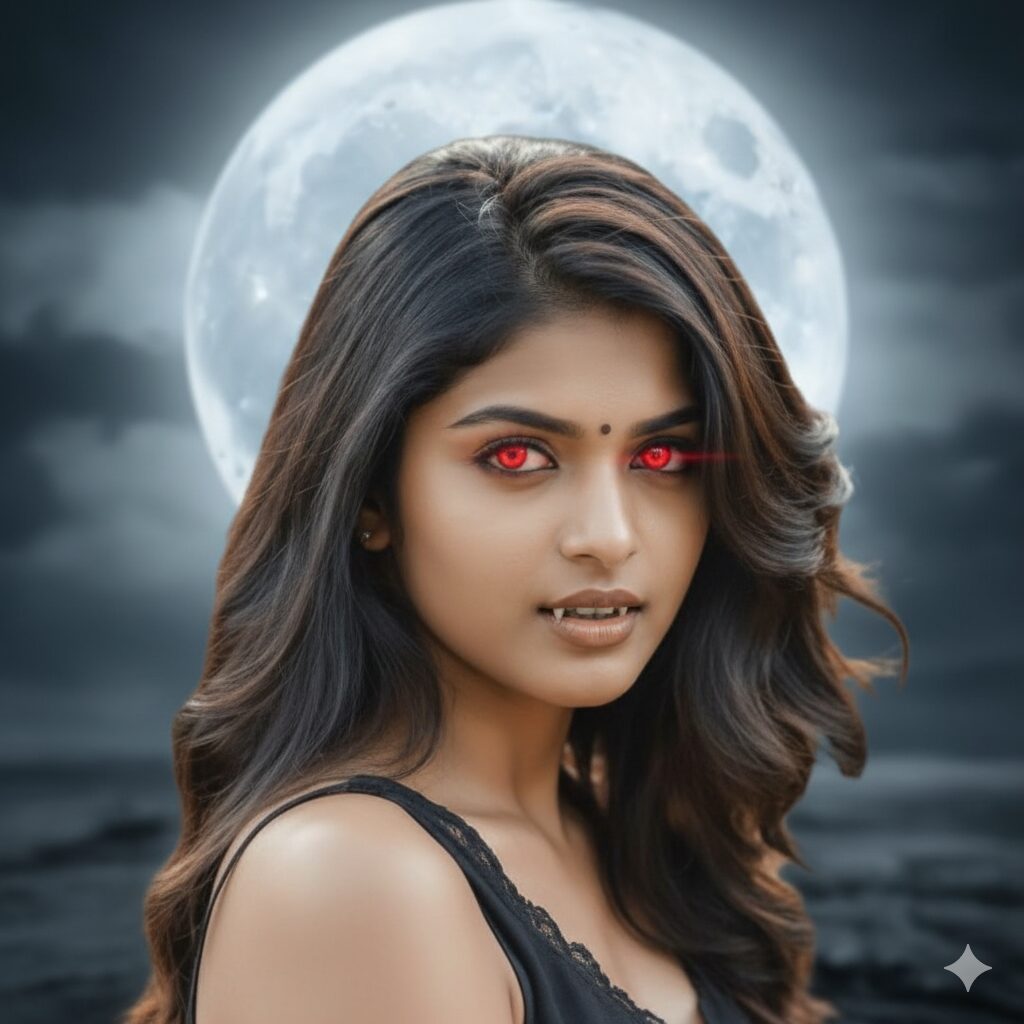
Prompt: “Imagine myself like a vampire with bold cruel face and standing under the full moon. My face with glowing red eyes”
This prompt will give you a classic vampire vibe of your photo. The moonlight will add drama, and additionally glowing eyes is making it to look like natural. - Witch Flying Over a Haunted Forest
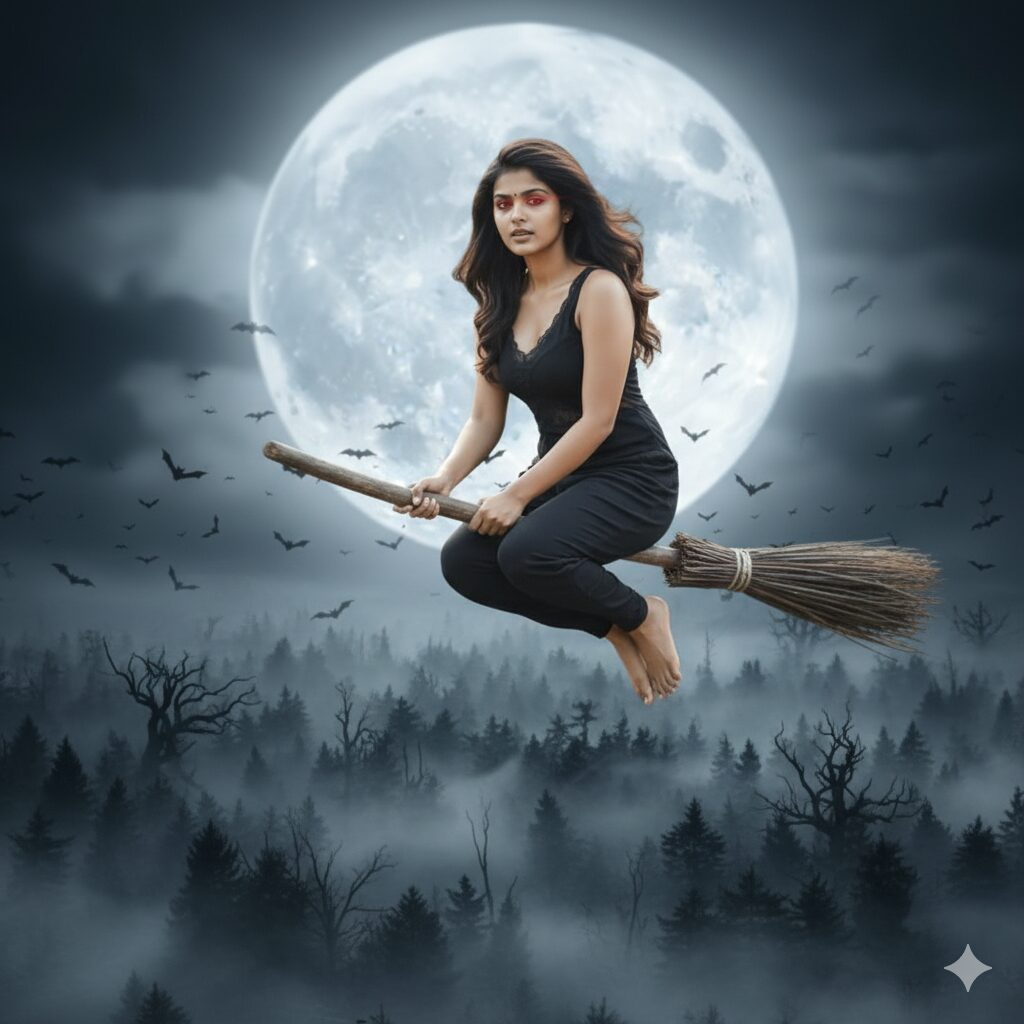
Prompt: “Create a photo of me like a witch is flying on a broomstick over a dark forest with lots of bats and foggy.”
This prompt is actually perfect for a magical creative look. The forest background and bats in this image will make it feel like a scene from a Hollywood Halloween movie. - Ghost Mansion
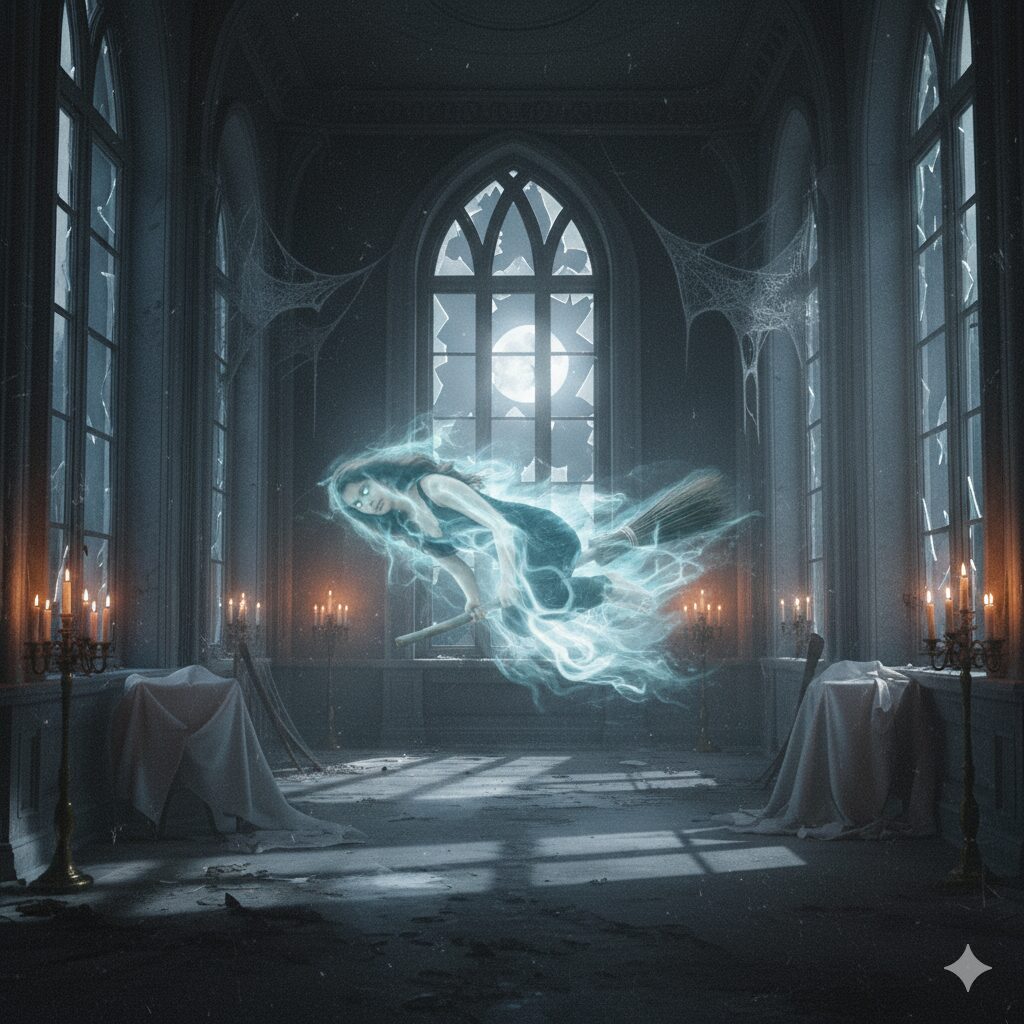
Prompt: “Turn my image into a ghost where it is floating through an old mansion with broken windows and candlelight in the mansion.”
This prompt creates a hilarious haunting place. The candlelight adds a soft glow to it, making the ghost look more realistic in the image. - Zombie Rising
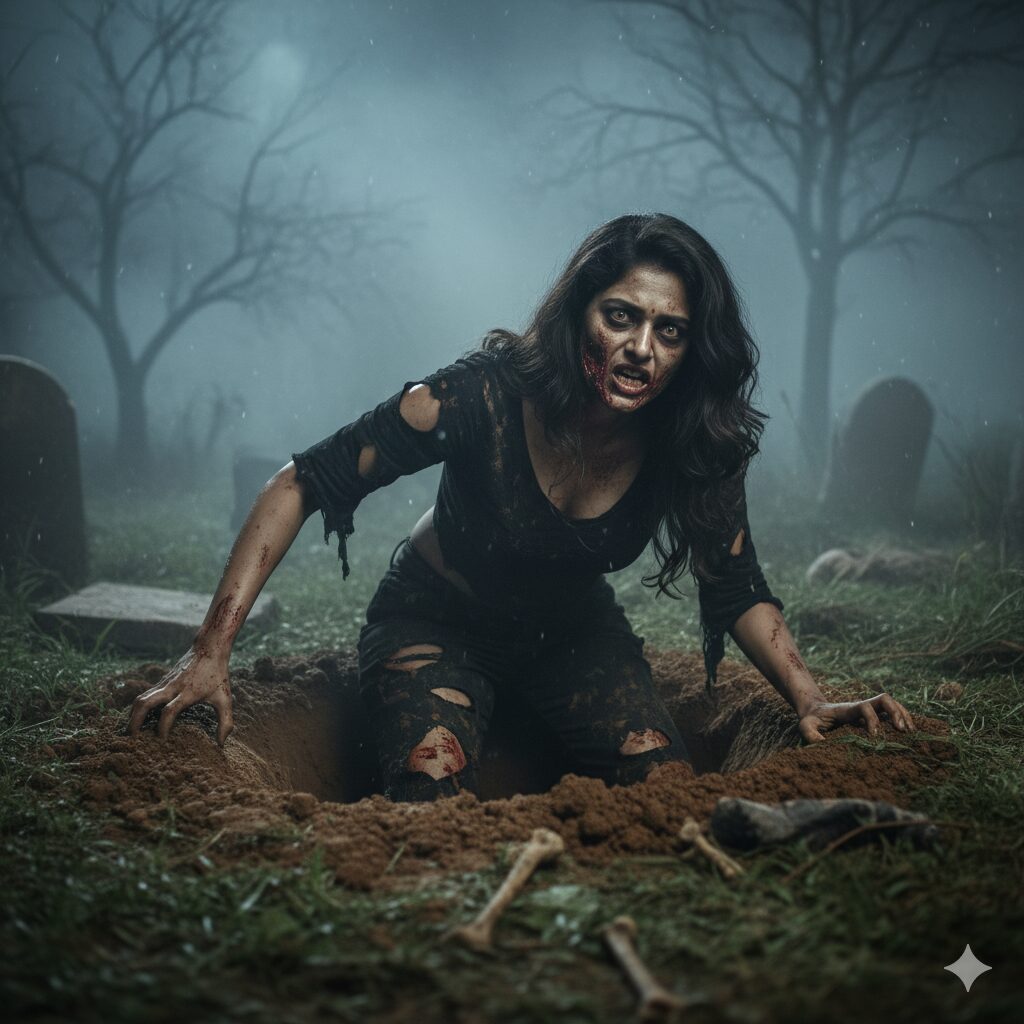
Prompt: “Make a realistic photo of me as a zombie and crawling out of a grave with dirty and fog around.”
If you want something truly scary, this is the best one for you. The graveyard setting and fog make it look like a horror hollywood movie poster. - Pumpkin Head
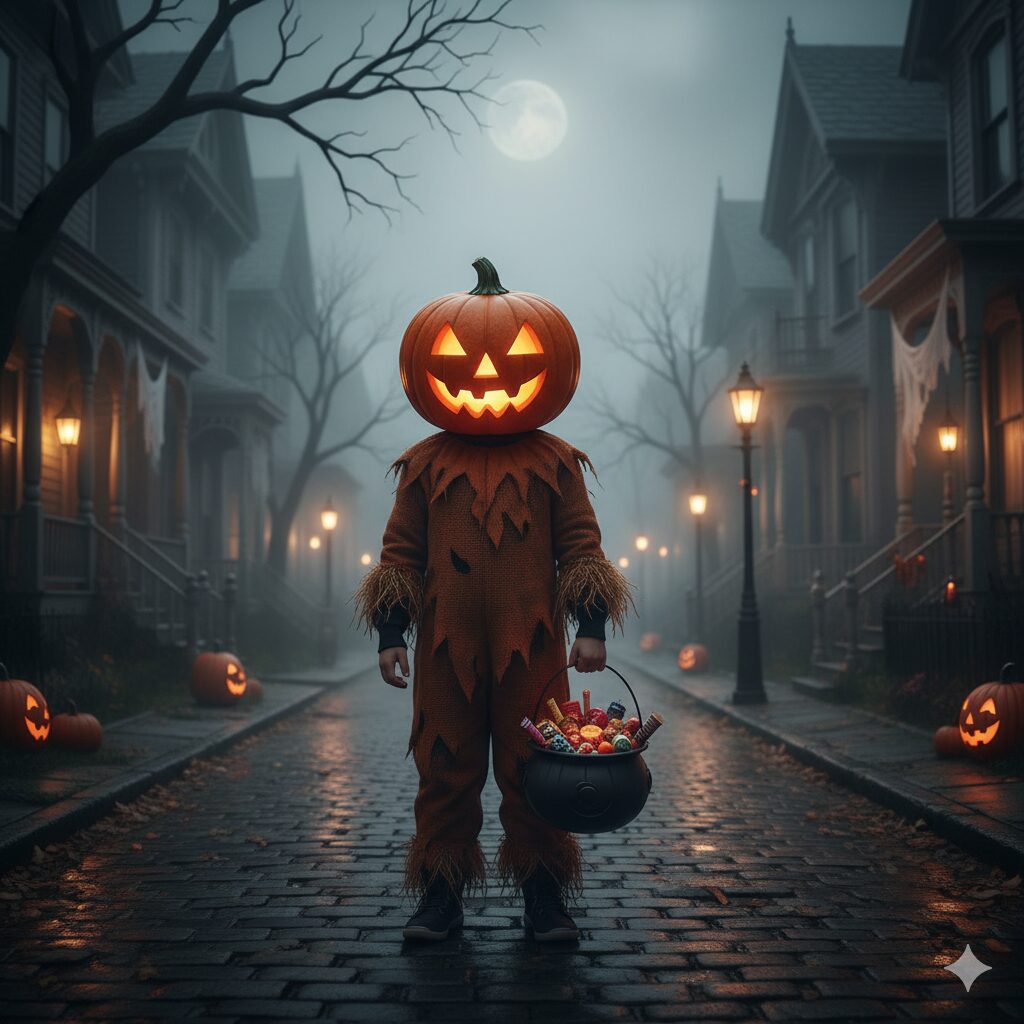
Prompt: “Show me as a kid with a pumpkin head costume. And holding a candy bucket on a spooky street.”
This one’s funny and family friendly. It’s great for Halloween cards or social media greetings, posts with a playful twist.
Tips to Get the Best AI Photos
To get better results for your AI-generated photos, always keep these tips in mind:
• The more you describe your prompt, you will get accurate and better result.
• Words like “fog,” “moonlight,” or “candlelight” will help to understand it to set the scene.
• Mention in your prompt for “close-up,” “side view,” or “full body” to change the perspective of your image.
• Upload a clear and quality photo of yourself to personalize the image perfectly.
Related Resources
If you’re new to AI image generation then check out more articles on our website. Clearly described how to use AI and how to write prompts to create visuals and ai images.
To know more technical details about Gemini Nano Banana, visit the official website or Google Gemini page on Wikipedia.