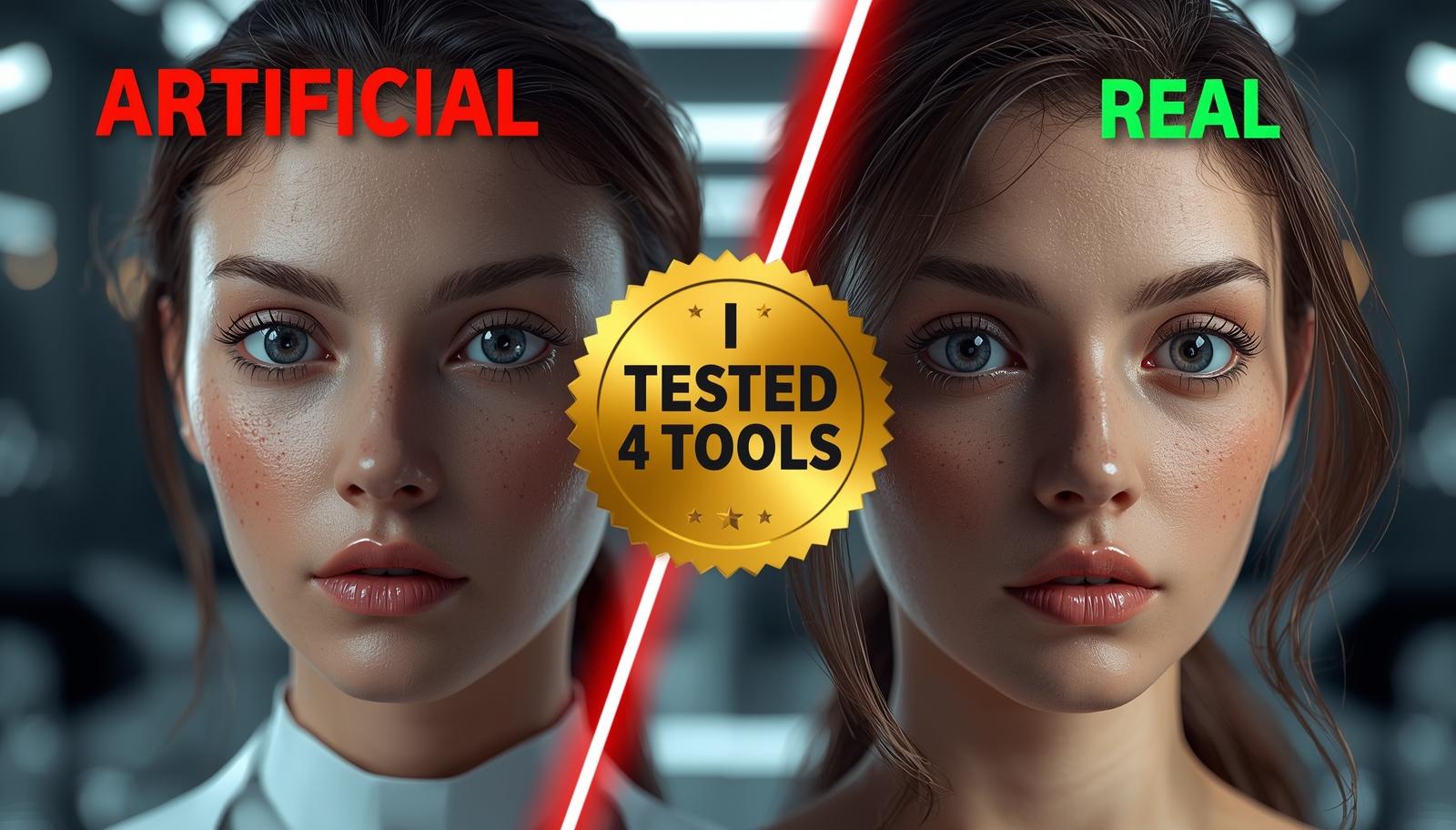
Finding the perfect image for a blog post used to take hours of scrolling through boring stock photo sites. Today, you can simply type a few words, and you will get the image within seconds by using ai tools. I spent the last week testing several free ai tools for image generation to see which ones generate photos that look like a professional photographer took them. If you are tired of weird-looking AI hands and distorted faces, then you are in the right place to find a better solution.
 WhatsApp Channel
 Telegram Group
Many people think they have to pay for a Midjourney subscription to get high-quality art but in reality that is simply not true anymore in 2026. I want to show you that a $0 budget can still result in world-class visuals for your website, social media, or personal projects. By the end of this guide, you will know exactly which platform to use for your specific needs.
The Best Free AI Tools for Image Generation in 2026
After testing dozens of platforms, these three free ai tools for image generation stood out for their friendly user experience and realism.
1. Gemini 3 Flash (Nano Banana 2)
This is currently the fastest tool on the market. It excels at understanding natural language, so you do not have to use “code words” to get a good result. It is particularly good at photorealistic portraits and indoor lighting. If you need a photo for a lifestyle blog, this is your best starting point.
2. Leonardo.ai
Leonardo offers a more “pro” feel for free. It gives you daily tokens that refresh every 24 hours. The best part about Leonardo is the “PhotoReal” mode, which specifically instructs the AI to avoid the artistic, painterly look that many other tools default to.
3. Microsoft Designer (Copilot)
Powered by the latest DALL-E models, this tool is built directly into your browser. It is incredibly reliable for creating graphics that include text, such as posters or book covers. While it can sometimes look a bit “digital,” its ability to follow instructions is unmatched.
Comparison of Image Realism and Daily Limits
| Tool Name | Realism Score | Daily Free Limit | Best For |
| Gemini 3 Flash | 9.5/10 | 20 Images | Realistic People |
| Leonardo.ai | 9.0/10 | 150 Tokens | Cinematic Scenes |
| Microsoft Designer | 8.0/10 | 15 Boosts | Graphics with Text |
| Playground AI | 8.5/10 | 50 Images | Social Media Posts |
How to Make AI Images Look More Real
To get the most out of free ai tools for image generation, you must be specific about “camera settings.” Instead of just typing “a dog,” try typing “a golden retriever sitting in a sunny park, shot on a 35mm lens, f/1.8, high detail.” Mentioning specific lenses or lighting conditions like “golden hour” tells the AI to mimic how a real camera captures light and depth.
Top 10 Free AI Image Generators (2026)
| Tool Name | Estimated Global Users | Website URL |
| Google Gemini (Nano Banana 2) | 1.5 Billion+ | gemini.google.com |
| Microsoft Designer (Copilot) | 900 Million+ | designer.microsoft.com |
| Canva (Magic Media) | 185 Million+ | canva.com/ai-image-generator |
| Adobe Firefly (Express Free) | 65 Million+ | adobe.com/firefly |
| Leonardo.ai | 60 Million+ | leonardo.ai |
| ChatGPT (DALL-E 3 Free) | 250 Million+ | chatgpt.com |
| Kling AI | 35 Million+ | klingai.com |
| Playground AI | 20 Million+ | playground.com |
| SeaArt.ai | 15 Million+ | seaart.ai |
| Pixart (Picsart AI) | 150 Million+ | picsart.com |